Sales Growth YoY
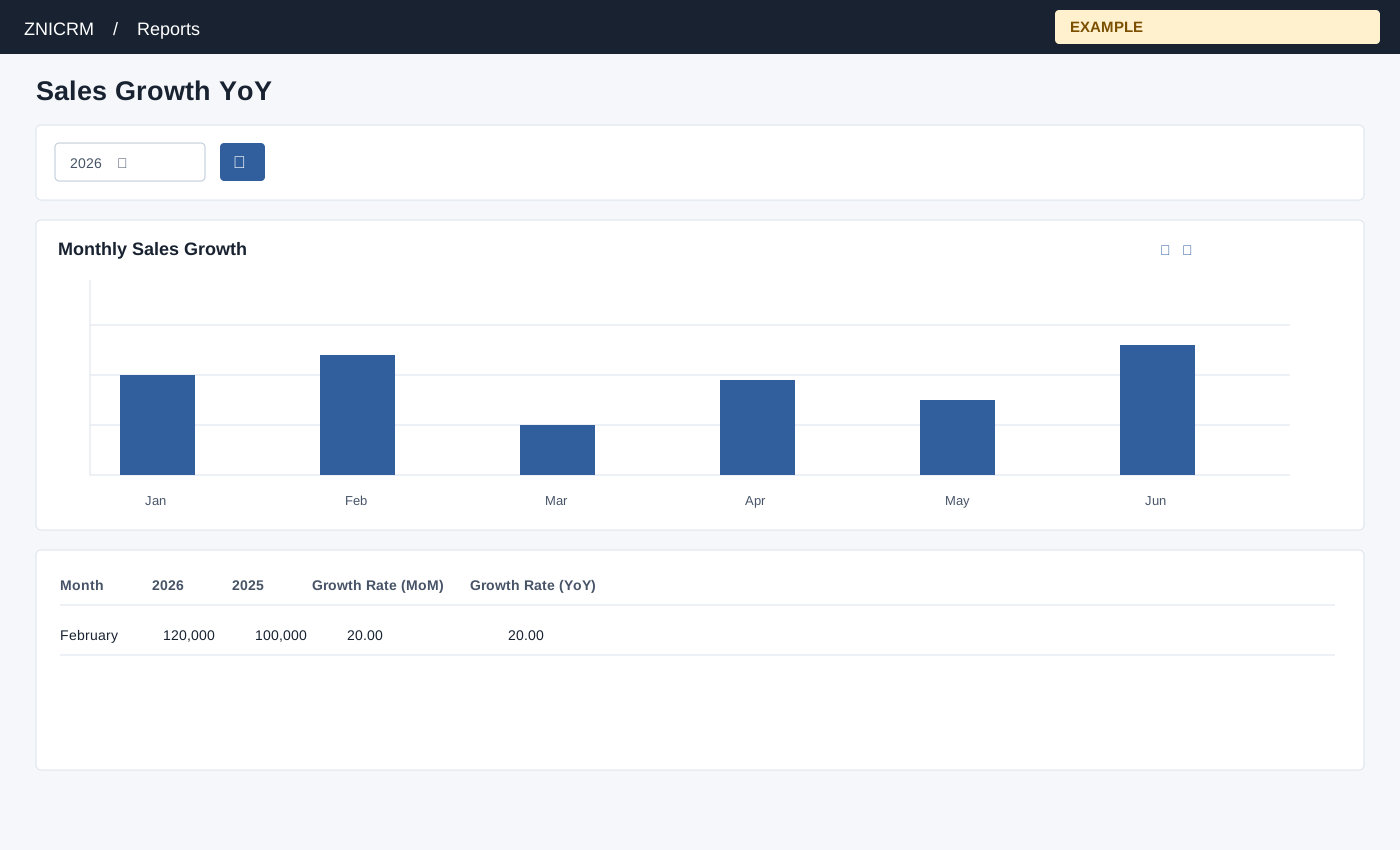
Open and filter
Administrator role is required. Open Reports → Sales Growth YoY. Choose a year and search; toggle Bar chart or Line chart to inspect the monthly comparison.
Controls: Year.
Read the results
Columns: Month, Selected year, Comparison year, Growth Rate (MoM), Growth Rate (YoY). The page compares monthly revenue with its fixed comparison year. Its MoM calculation has special zero-denominator and January handling, so inspect values rather than assuming a conventional growth calculation.
Measure and calculation caveat
Revenue is the sum of invoice gross amounts by invoice date. The comparison year is fixed to the year before the current calendar year, even if a different reporting year is selected. The table displays N/A for YoY when the comparison month is below 1, not only when it is zero. January MoM uses the comparison year’s December minus the selected January, divided by selected January when it is at least 1. For other months, a prior month below 1 uses a denominator of 1 without multiplying by 100. Interpret these displayed calculations cautiously. The chart plots MoM, not YoY; the table provides export controls.
Interpretation and limits
Invoice totals include void or inactive invoices and do not represent payments received. When the selected year equals the fixed comparison year, the second series is cleared, so YoY displays N/A. When the shared enhancement loads, table search and sorting operate on loaded rows and CSV, Excel and PDF export matching loaded rows across pages. Original controls may differ if enhancement fails.
Example and verification
Select 2026. If February shows 120,000 and the fixed comparison February shows 100,000, the displayed YoY is 20.00%. Compare the monthly invoice totals before investigating the increase. If YoY is N/A, check whether the comparison amount is below 1; January MoM follows the special calculation above.
See charts for this report and shared table and export controls.