Invoicing payment modes
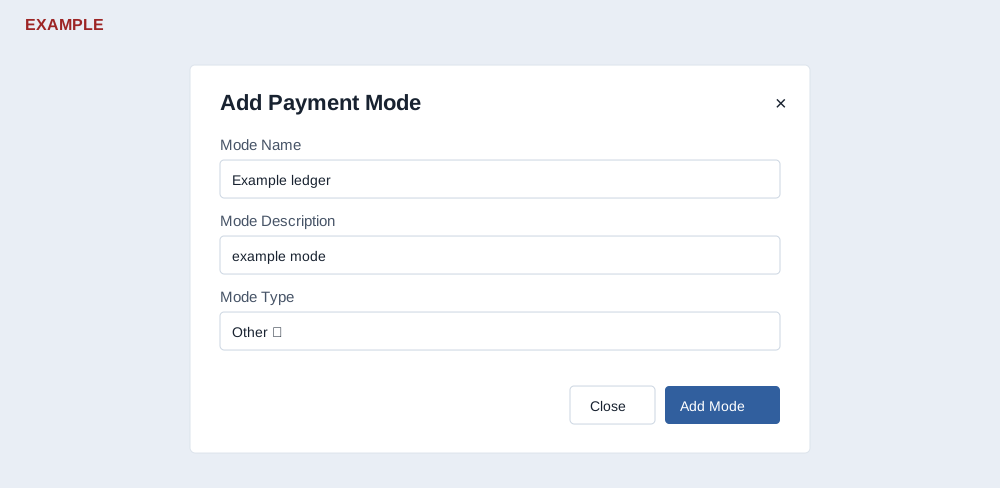
- As an administrator, open Account Settings → Invoicing → General Settings → Payment modes. The list shows Name, Description, Type and Actions.
- Select Add new mode. Enter Mode Name (required, maximum 45 characters) and Mode Description (required); select Mode Type: Bank, Payment Gateway, Cash or Other. Bank is the first option.
- Select Add Mode. Close or × cancels the dialog. A success message adds a temporary row; reload to verify the persisted mode and its Delete action. For example, create “Example ledger” as Other and verify it.
- To remove a mode, select Delete and confirm the warning. Reload to verify and review use by existing payment and gateway workflows before removal. A mode labels how funds are recorded; creating it does not connect a gateway or receive a payment.
If the save fails, check required values and the name length. If the result is uncertain, reload before retrying.