Create and find users
Availability depends on your account configuration and permissions.
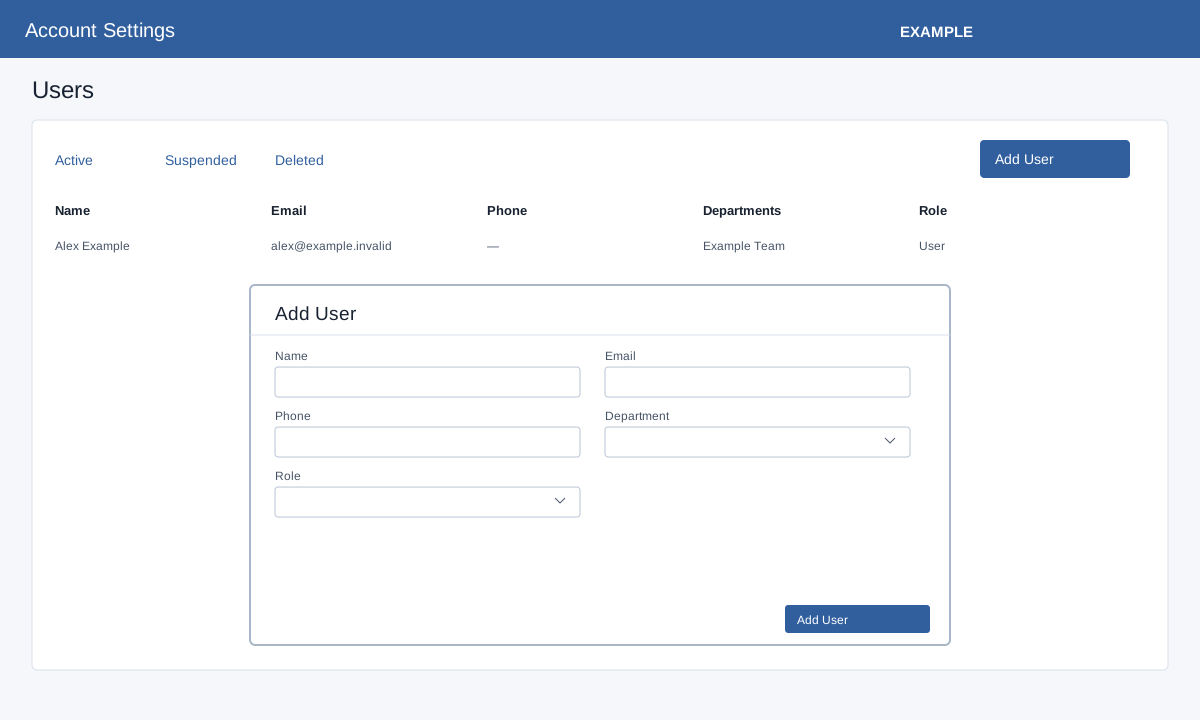
Open Account Settings → Users as an administrator. Active, Suspended and Deleted tabs filter the list. Search users or change rows per page; the list shows Name, Email, Phone, Departments and Role. Select a name to open User Profile.
Add a user
Select Add User. Enter a valid full Name, Email and Phone, choose Department and a valid Role, and select Add User. The screen validates name, email, phone and role; it states login details are sent to the email address. On success the new user profile opens. Verify role, department and app access there. If validation fails, correct the named field; other errors appear in the message.