Helpdesk feedback survey
Respond to a ticket feedback request using its issued survey link.
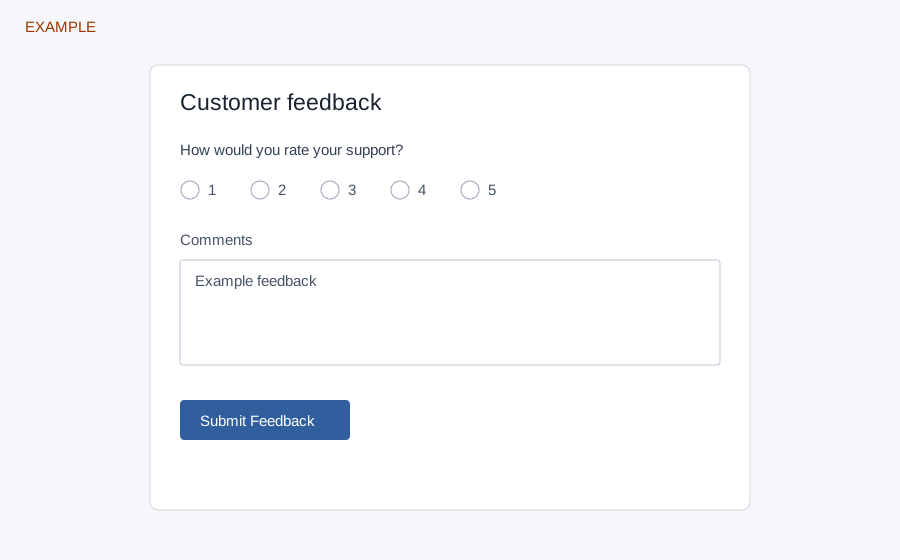
Complete the survey
The survey link identifies a feedback request and opens its configured form. Field names and descriptions depend on that form. It can show text, multiline text, email, telephone, date, a dropdown with configured options, or a 1–5 rating. Complete the marked required fields and choose Submit Feedback. A successful response shows a thank-you message; a completed request instead reports that it has already been completed.
The service requires a recognizable CSAT score between 1 and 5. An invalid, expired or cancelled request, missing form or missing score produces an error; ask the support team for a valid request or corrected configuration. The service extracts the score and feedback text for the feedback record; do not assume every additional field is retained as an ordinary contact-form submission. Example: a customer selects 4 and leaves a short comment.