SLA queue
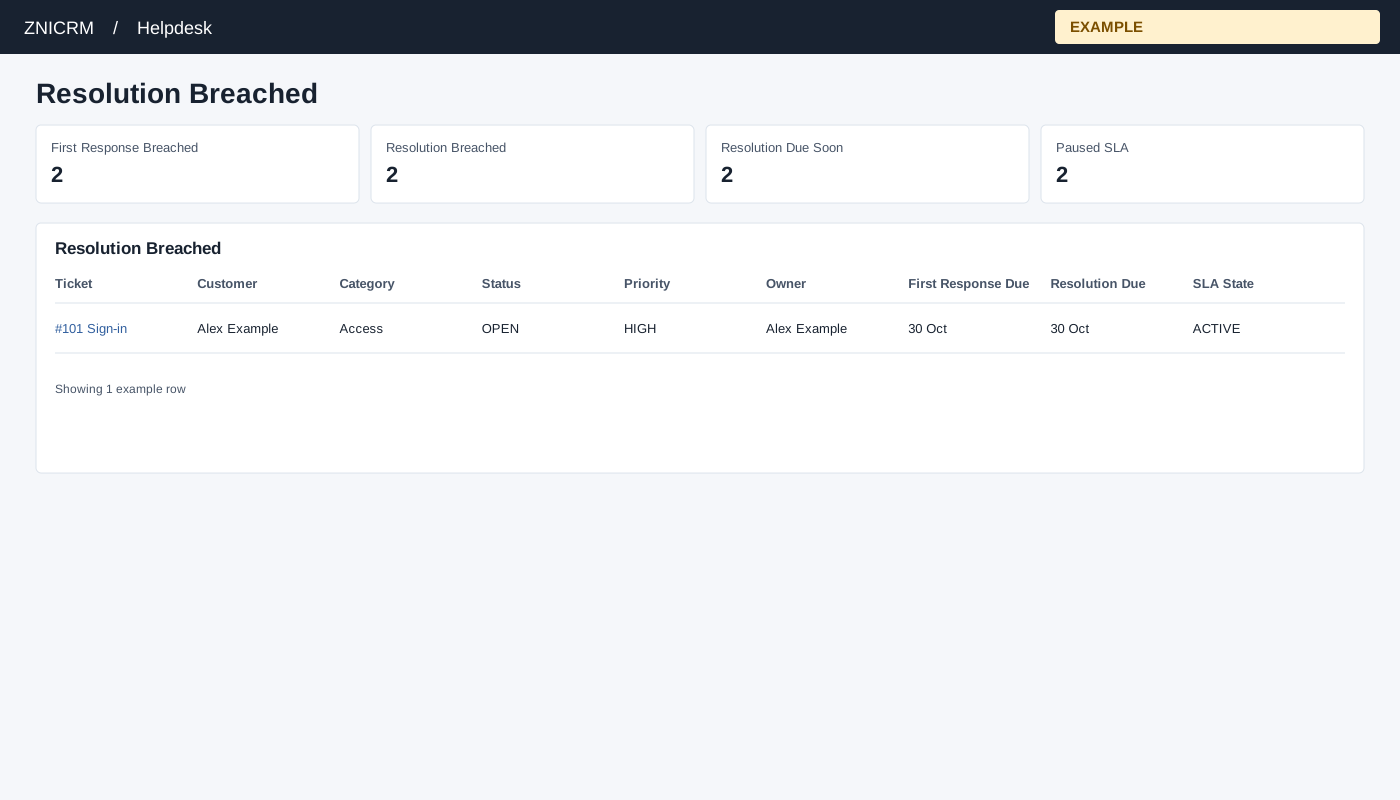
Open and review
Choose SLA Queue from Helpdesk reports. Helpdesk access and report scope are required. Non-administrators are limited to their permitted support scope; an administrator can review broader scope. If access is denied, ask an administrator to review access and support membership. The SLA queue report must be enabled.
Summary cards open First Response Breached, Resolution Breached, Resolution Due Soon and Paused SLA. The system also supports Active SLA. Due Soon uses a 120-minute window. Columns are Ticket, Customer, Category, Status, Priority, Owner, First Response Due, Resolution Due and SLA State. Select a ticket to open its workspace; opening records viewing activity.
Understand the SLA queue states
| View | Meaning |
|---|---|
| First Response Breached | ACTIVE SLA with no recorded first response and a first-response deadline earlier than now. |
| Resolution Breached | ACTIVE SLA with no recorded resolution and a resolution deadline earlier than now. This is the default view. |
| Resolution Due Soon | ACTIVE SLA with no recorded resolution, due between now and 120 minutes from now. |
| Paused SLA | Tickets whose stored SLA state is PAUSED. Review the ticket status and pause policy before resuming work. Paused status excludes the item from active breach and due-soon views, but the synchronization does not extend its deadlines for time paused; after resuming it can immediately be overdue. |
| Active SLA | ACTIVE SLA records. This state can be opened by a supported incoming link; the page’s four summary cards do not include a separate Active card. |
The page requests at least 100 rows or the selected queue count when higher; it does not use the ordinary queue report’s 1,000-row cap. Counts and rows are obtained separately and can change while tickets are being updated. These views use per-ticket SLA deadlines and state, unlike the company-hours calculation in the performance report.
Example and verification
Choose Resolution Due Soon, compare owner and due time, and follow up on a ticket before its deadline. Check scope and SLA configuration if expected items are absent. If a warning says the SLA feature is not ready, ask an administrator to complete the required setup.