Facebook reporting
Navigate Facebook reporting and choose the right view.
Controls depend on your account and permissions.
Open and prepare
- Reports → Facebook Reporting
- Facebook Reports access and a permitted CRM viewer scope are required. Results use locally synchronized data; opening these reports does not fetch Meta live.
Choose a report
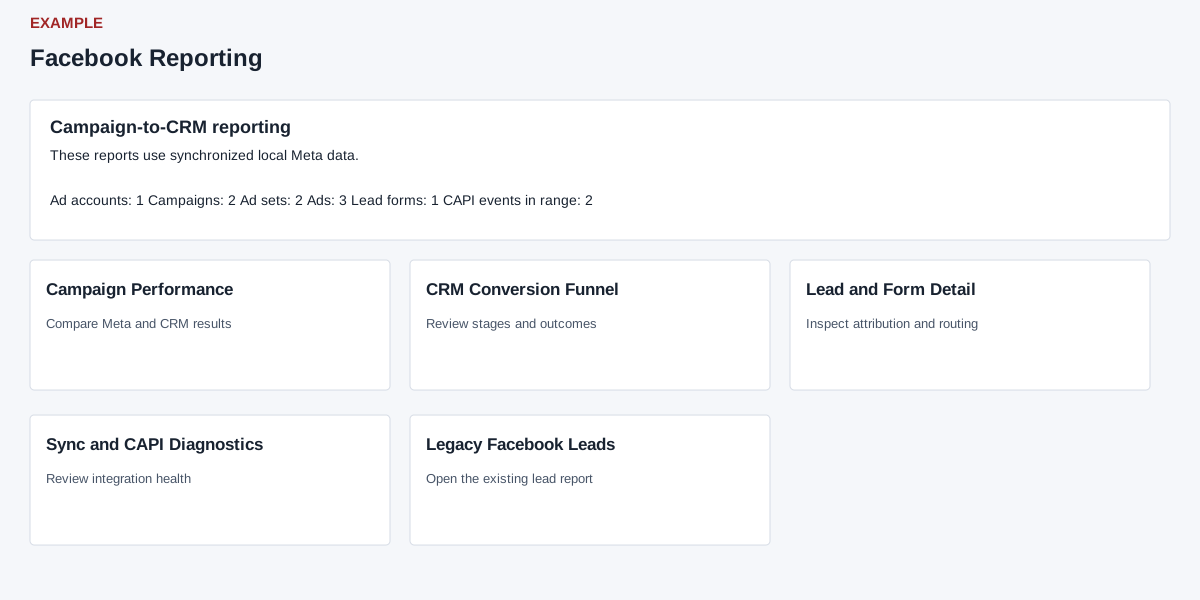
- Campaign Performance compares advertising metrics with CRM outcomes. CRM Conversion Funnel shows conversion stages. Lead and Form Detail shows lead-level attribution and CRM links. Sync and CAPI Diagnostics shows synchronization and delivery evidence. Facebook Leads provides the lead list and filters.
- The overview cards show stored ad-account, campaign, ad-set, ad and lead-form counts plus CAPI events in the default range. Select a report, choose the relevant date range and filters, then apply them. Compare only reports using compatible date models and account scope. All Reports returns to the report directory.