Upgrade form escalations
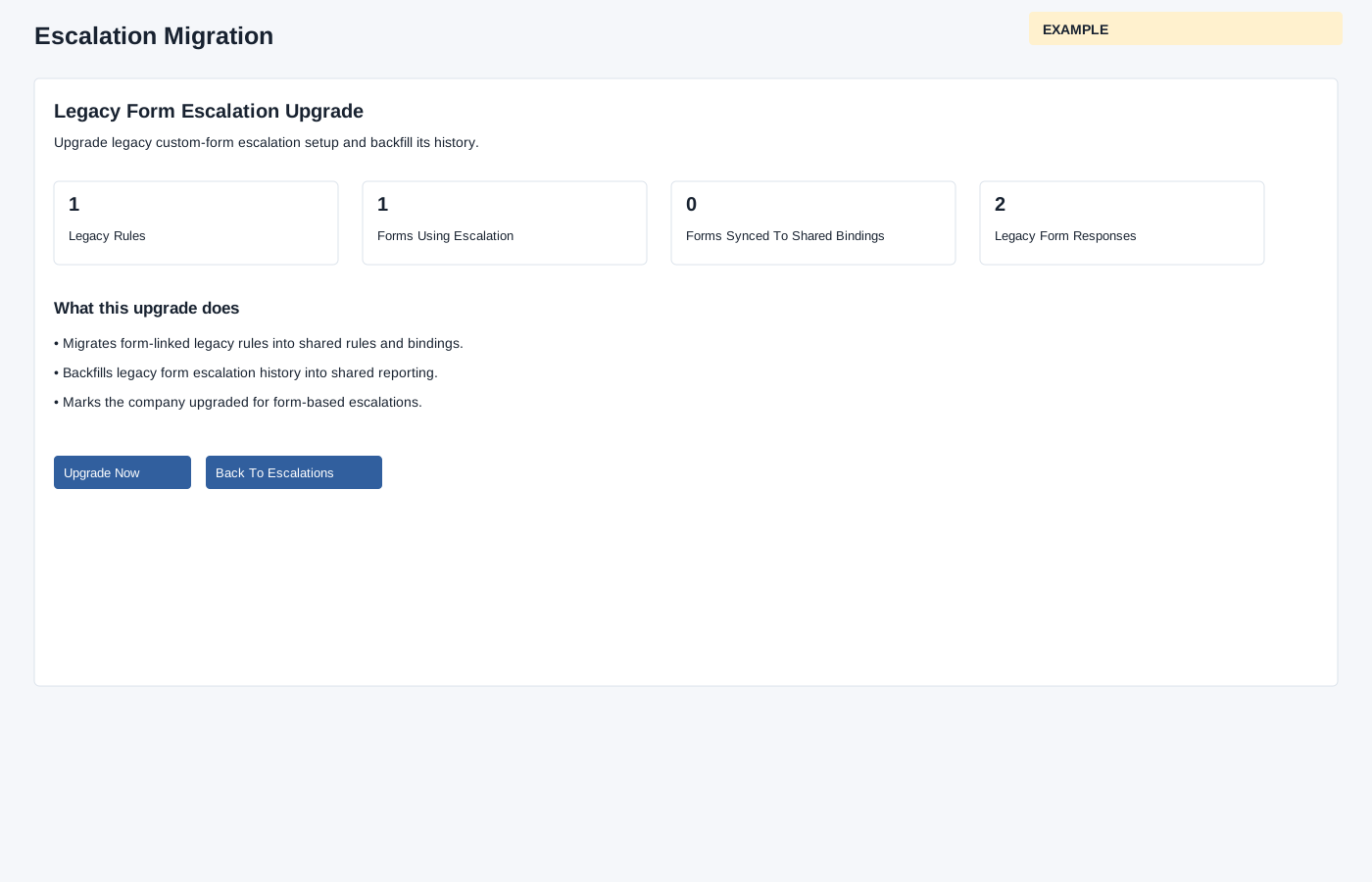
Review the legacy form escalation upgrade before changing the company’s escalation data.
Administrators open Account Settings → Escalations → Upgrade Escalations when the upgrade notice appears. The page displays counts for legacy rules, forms, migrated forms and responses. It says the upgrade migrates form-linked legacy rules into shared rules and bindings, backfills legacy response history into shared reporting, and marks the company upgraded. Form escalation use requires completion.
If the upgrade is not complete and the required setup is ready, Upgrade Now is available. Review the displayed summary and consequences, then use the button only when ready. The page immediately starts the upgrade without a confirmation dialog; inspect the result and shared rules, bindings and reporting afterward. If setup is incomplete or the action fails, ask your administrator for help. Form bindings are synchronized one at a time before backfill and the completion marker; failure can leave partial changes. Backfill commits each response independently and skips a response already represented by a shared instance, so earlier completed responses can remain after a later failure. Backfill records historical steps, assignments, watchers and events; a historical notification event does not establish that this upgrade sent a new notification. Inspect shared rules, bindings and reporting before retrying.