Engage distribution and install code
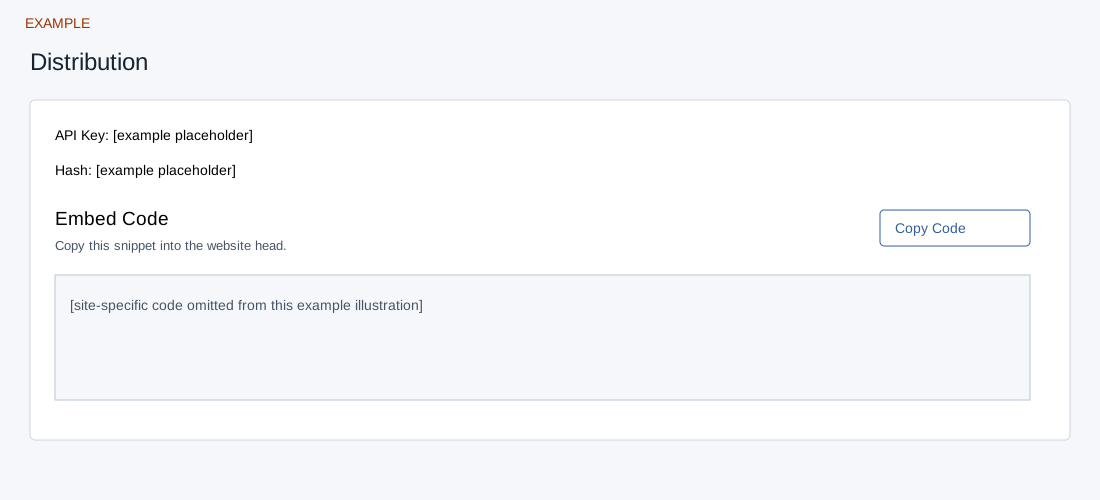
Open the page
Engage → website → Distribution. Administrator access is required.
Install the widget
- Review Embed Code and use Copy Code to provide the site-specific snippet to the authorized website administrator. The page describes installation in the website head.
- Do not publish the snippet or API key in a guide or screenshot. After the site owner installs it, verify that the intended website displays the widget and that an authorized sample enquiry follows the intended routing.
Distribution controls
For the selected site, API Key and Hash identify its configuration; Embed Code is a read-only snippet and Copy Code copies it. The page instructs the site administrator to install the snippet in the website head. This is an installation step, not a save or publish button. Keep site-specific identifiers and code out of public screenshots. After the authorized administrator deploys it, inspect the intended site and an authorized test lead; saving settings alone does not install the script.