Digest notifications
Review unread and recent updates for your own account.
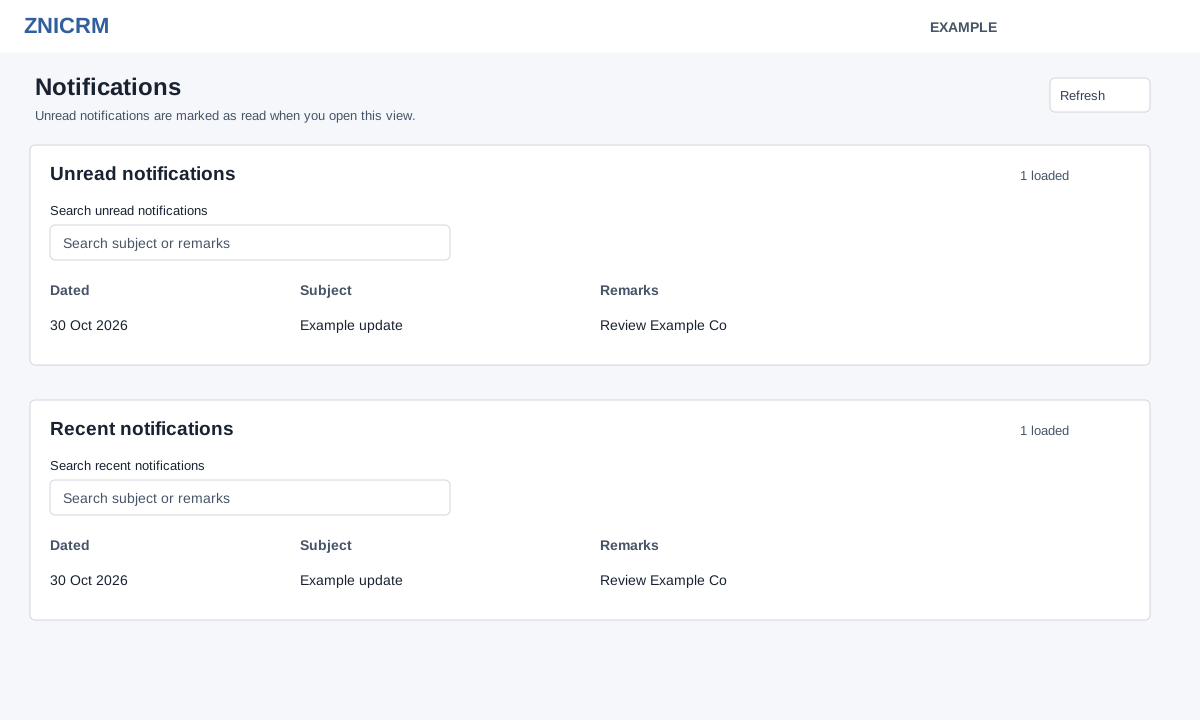
Open the new Daily Digest → Notifications. CRM access is required. The view is personal to the signed-in user, regardless of the Digest’s selected user. It loads up to 50 unread and 50 recent records, showing Dated, Subject and Remarks.
Opening this view marks up to 200 unread notifications as read after loading the lists, including unread items beyond the 50 displayed. The current view can still show the loaded unread rows; on refresh or a later visit they may appear under Recent notifications. Search each panel by subject or remarks; search filters loaded rows and updates the shown count. Clear the search to restore rows. Refresh reloads both lists and can mark newly unread items read.
If no rows match, clear the search; if there are no updates, the empty state appears.