Digest favourites
Return to contacts you have starred.
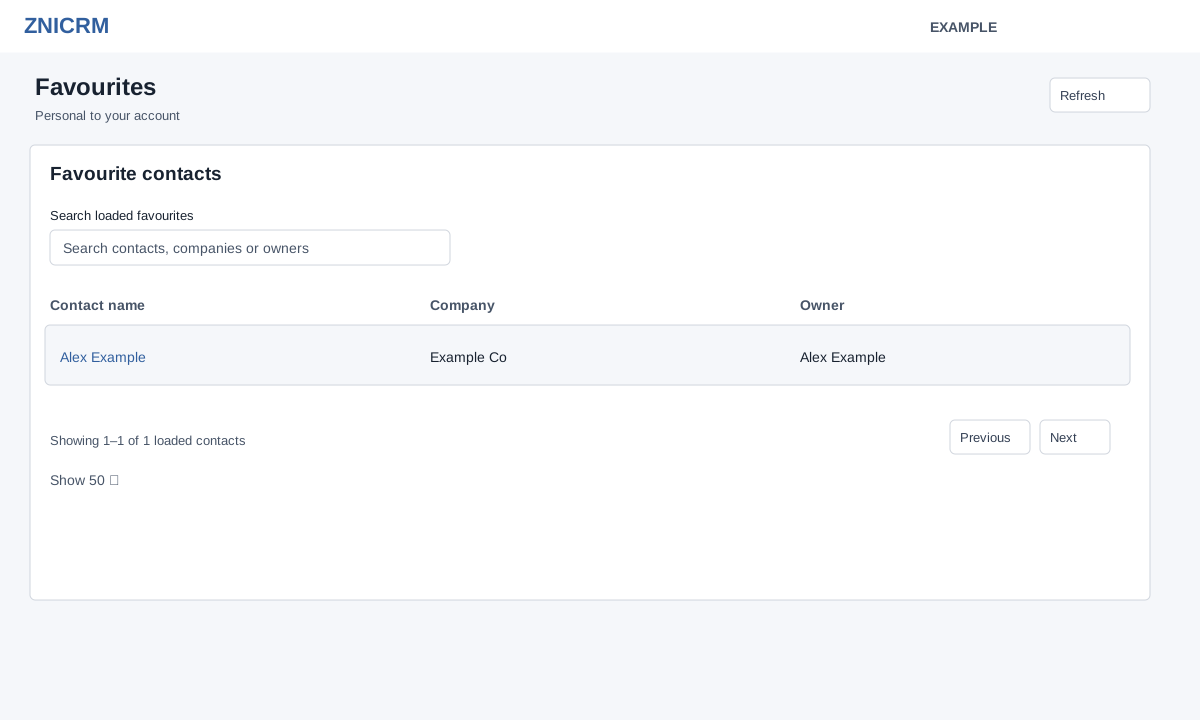
Open the new Daily Digest → Favourites. CRM access is required. Favourites are personal to the signed-in account, independent of the selected Digest user. The table loads up to 100 saved contacts with Contact name, Company and Owner.
- Search the loaded favourites by contact, company or owner. Use the table’s column sorting, page controls and Show selector to browse the loaded results; the initial page size is 50.
- Select a contact name to open its full conversation in a new tab. Use Refresh to reload the list after a change.
- To add or remove a favourite, use the star on the contact’s conversation page; return and refresh to verify the list.
If no matching favourites appear, clear the search. If a contact cannot be opened, check your access to it.