Digest conversations
Review recent contact activity for the selected Digest user and open the full contact record.
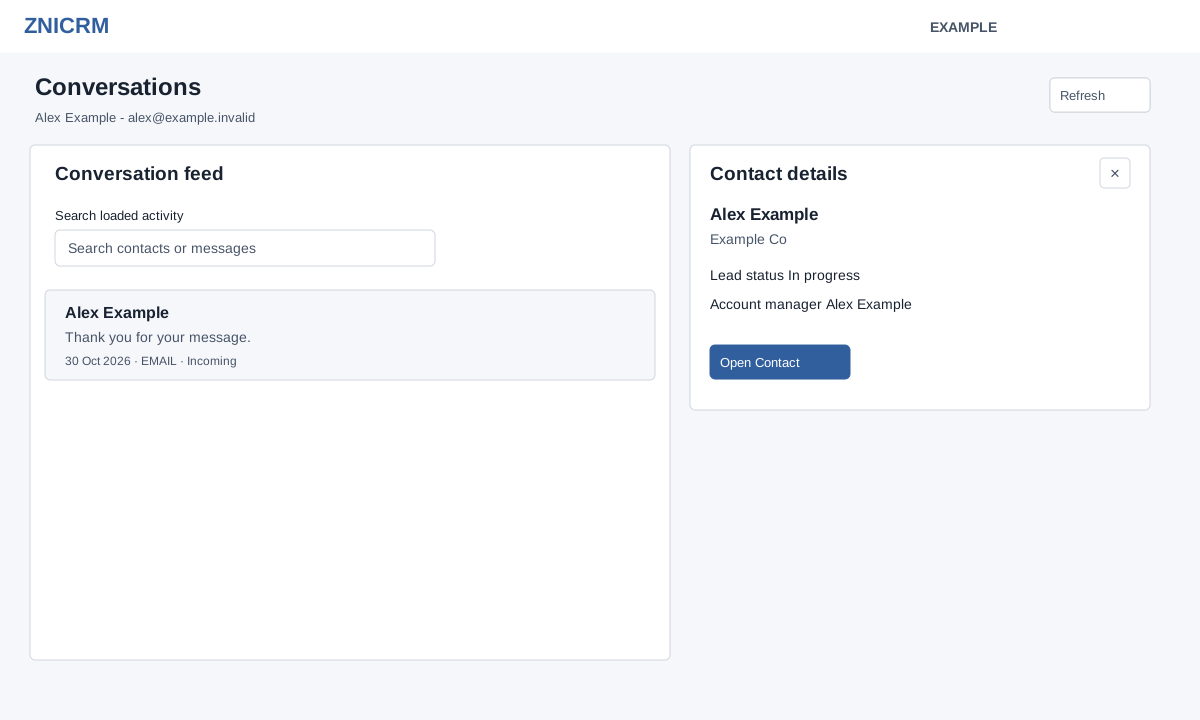
Open the new Daily Digest → Conversations. CRM access is required; the selected user is subject to owner-view permission. Administrators or eligible managers can select another permitted user in the Digest; otherwise the view uses your account.
- Review the Conversation feed: it loads up to 50 recent activities, with up to 250 characters of message preview, recorded date, type and Incoming or Outgoing where available.
- Search loaded activity by contact or message. The shown count updates as you type; clearing the search restores loaded rows. This search does not fetch older activity.
- Select a row to open Contact details: name, company, registration date, account manager, lead status, country, designation, department and last contact dates. Choose Open Contact for the full conversation in a new tab. Close the preview with its close button when shown.
Use Refresh to reload the section. If a contact is unavailable or the preview fails, select the row again; check access if the problem persists. This preview does not send a message.