Expiring Subscriptions
Use this report
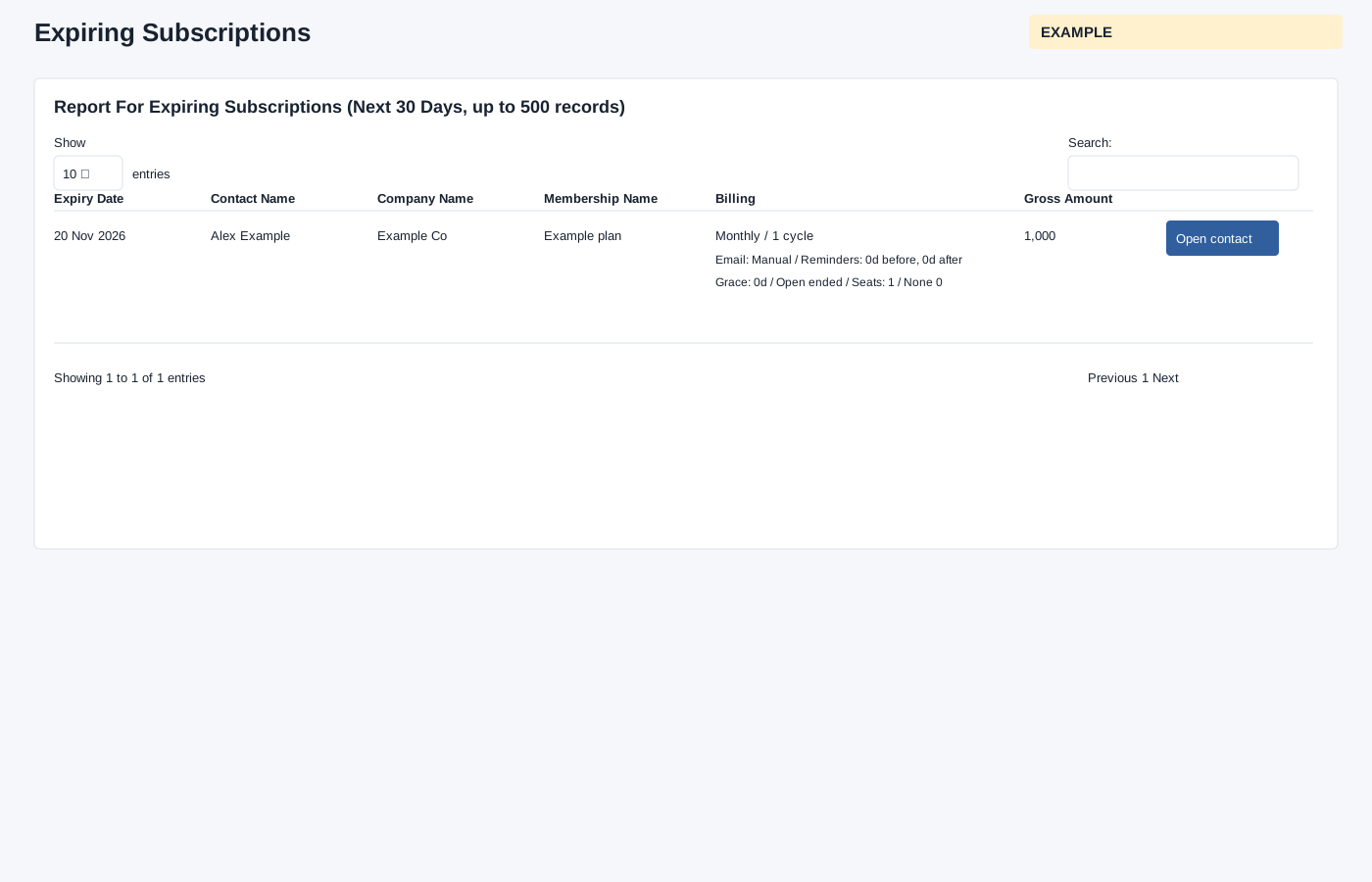
Open Subscriptions from New Digest to review subscriptions expiring in the next 30 days for accounts owned by the selected user, up to 500 active records. The report orders by subscription ID descending before the limit; it is not a list of the 500 nearest expiries. Open contact opens the customer conversation in a new tab. Review expiry, billing and amount before contacting the customer; check the selected user and window if a subscription is missing.
Show entries changes the page length; table search filters loaded rows, column headers sort them, and Previous/Next changes the visible page. These controls do not change the underlying records.
Verify the result
For Example Co, compare Expiry Date and Gross Amount with the Billing description before opening the contact. Billing shows term and number of cycles; non-manual renewal also shows generation days before expiry. Email Auto/Manual, reminder days before/after, grace days, Ends at term/Open ended, seat quantity and discount describe stored settings. Opening the contact does not renew or email the customer. Check the selected user and 30-day window when a row is absent.