Pending Assignments
Use this report
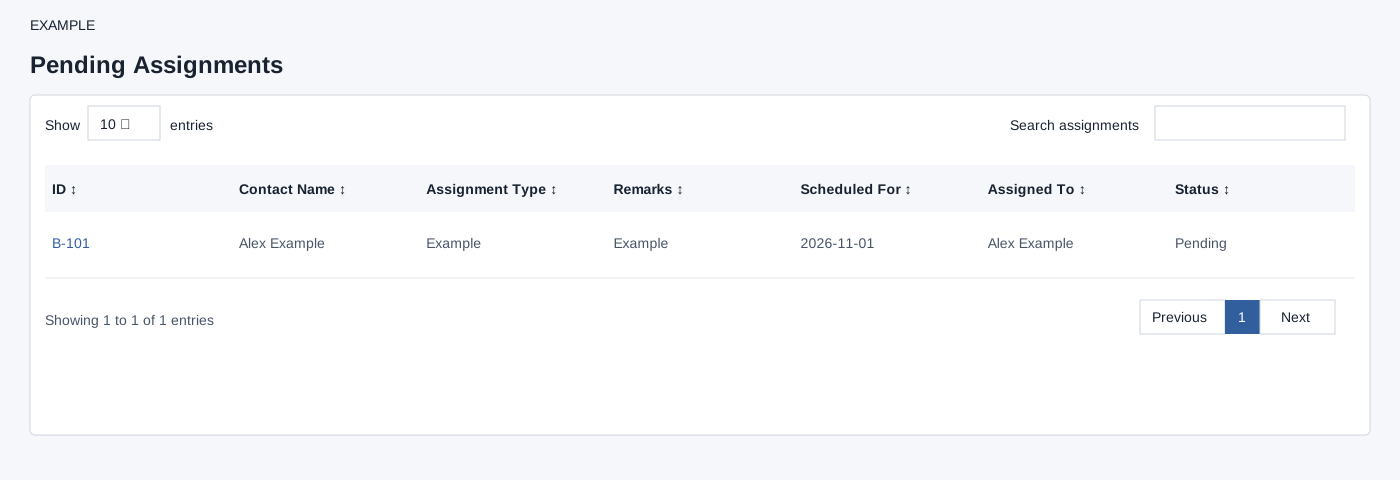
Open Pending Assignments for the selected user. Bookings access is required. Pending records assigned to the selected user are fetched in scheduled-date descending order. Search assignments filters the loaded table as you type; the report retrieves up to 1,000 bookings. Select the B-number to open assignment details in a new tab. Check the scheduled time and assignee there. If a row is missing, check selected user, access and loaded-row limit.
Verify the result
For Example Co, type part of a name or assignment into Search assignments, then select the B-number to inspect it. Clear the search to restore the loaded rows. Use the page-length selector, sortable column headers and pagination to navigate the loaded results. This search filters the already loaded table; it does not fetch beyond 1,000 records or change an assignment. If access is denied, check Bookings access and the selected user.