Lead Data Missing
Use this report
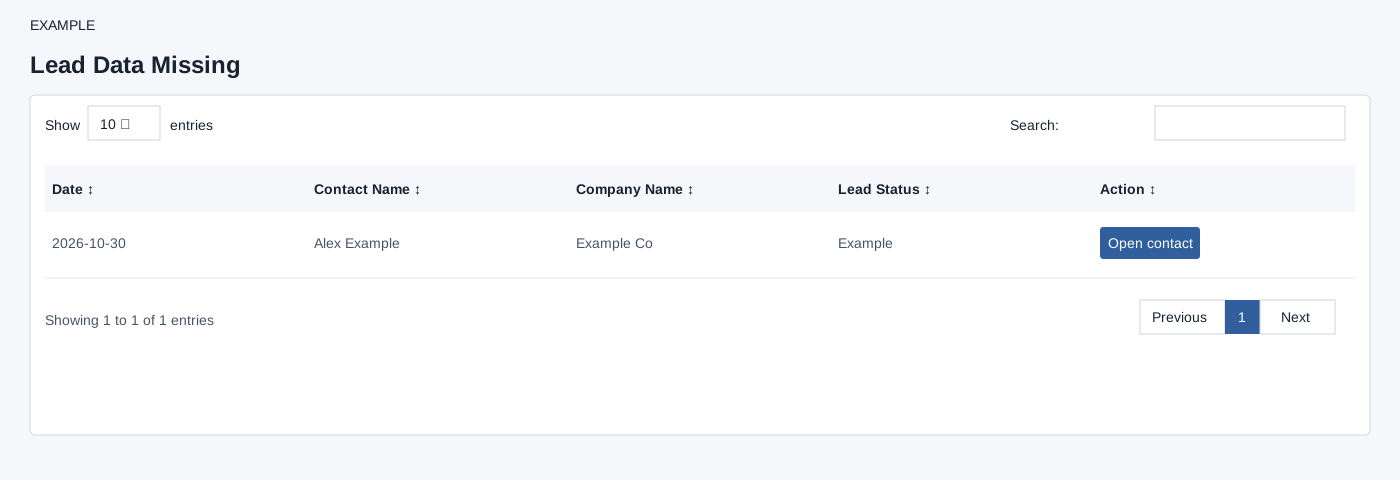
Open Lead Data Missing for the selected user. The report fetches up to 500 records for the selected owner. With active global checklist items it uses checklist pending-details criteria; without them it falls back to nondeleted contacts in the Pending Leads status, ordered by creation date. Open contact opens the CRM conversation in a new tab, where missing details can be corrected. If no active global checklist items exist, the page explains that records also appear in Pending Leads; if checklist availability cannot load it shows a status message while retaining the report. Verify the corrected fields in the contact and refresh the queue.
The table search filters loaded rows, column headers sort them, and pagination changes the visible page. These controls do not change the underlying records.
Verify the result
For Example Co, choose Open contact, complete the missing information or checklist in the contact workspace, and save there. Return and refresh: this report does not itself edit the lead. An empty table can mean no qualifying records; check the selected user and checklist configuration as well as the 500-row cap.