Contact subscriptions, assignments and tickets
Controls and availability depend on permissions, plan and version.
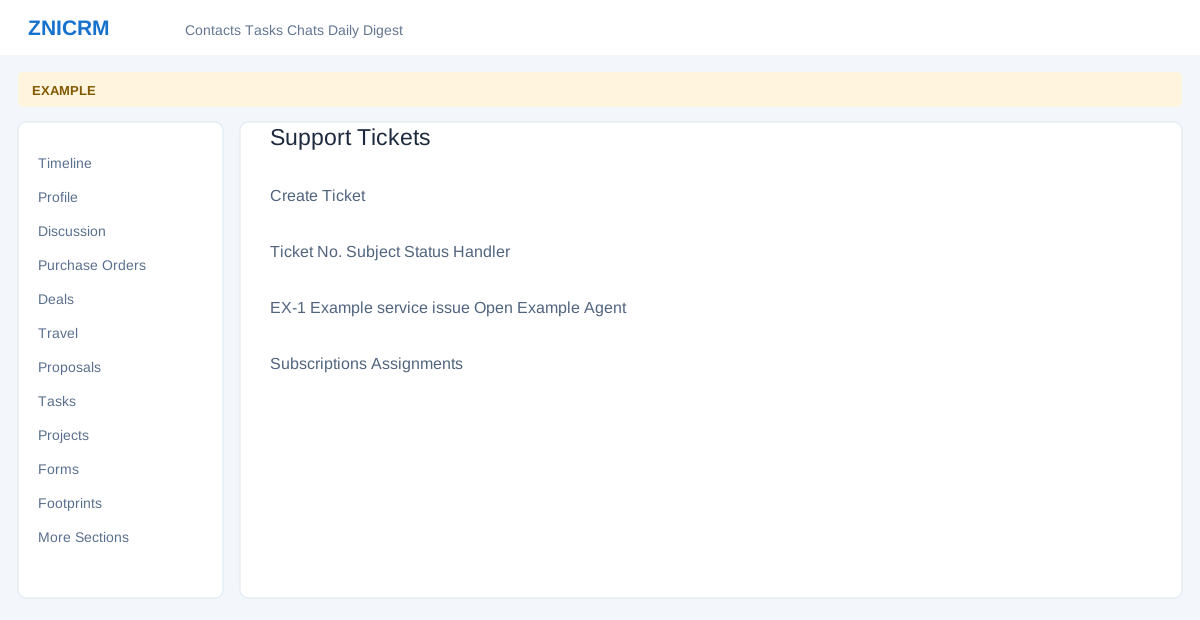
Open the page
Contact conversation → More Sections → Subscriptions, Assignments or Tickets
Review subscriptions and assignments
- Subscriptions lists ID, Subscription Name, Created On, Started, Ending, Amount and Status, with an available row action. Review renewal and billing details on the source record.
- Assignments has status filters and cards with Scheduled, Assigned To, Booked By and Instructions; open the assignment reference for details.
Handle support tickets
- Tickets displays Ticket No., Date, Subject, Status and Handler. Select Create Ticket to open the helpdesk creation page for this contact, or open an existing ticket.
- Example: inspect a maintenance subscription before opening a support ticket for the same contact. Creating a ticket changes live data.