Contact projects, travel and footprints
Controls and availability depend on permissions, plan and version.
Open the page
Contact conversation → Projects, Travel or Footprints
Projects and travel
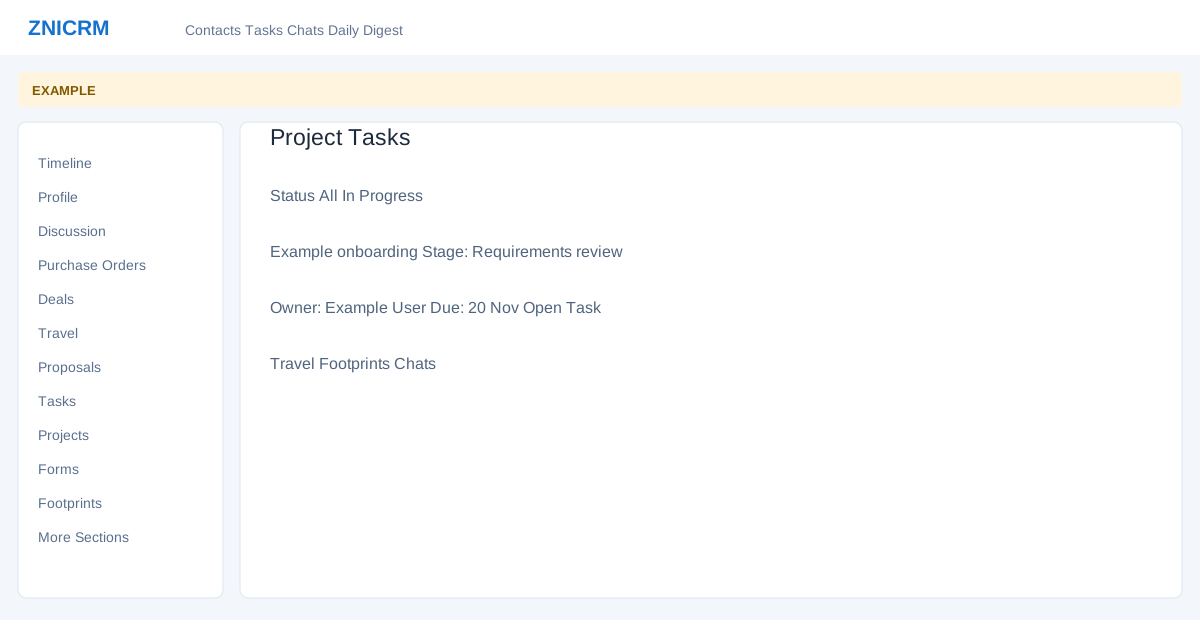
- Projects shows Project Tasks with status filters, stage, owner, due date and SLA; Open Task opens the project task. Access depends on project permissions.
- Travel shows total itineraries, open plans, travelers, documents, upcoming and past plans, traveler readiness and open service items. Links can include New Itinerary, All Itineraries, Documents and Manifest depending on permissions. Opening New Itinerary leads to a creation workflow.
Footprints and chats
- Footprints opens the contact’s Engage footprint report. Chats opens the associated chat workspace in a new tab. Available information depends on tracking, access and connected features.
- Example: review an itinerary and related service item before following up with the customer.