Contact quotes, invoices and purchase orders
Controls and availability depend on permissions, plan and version.
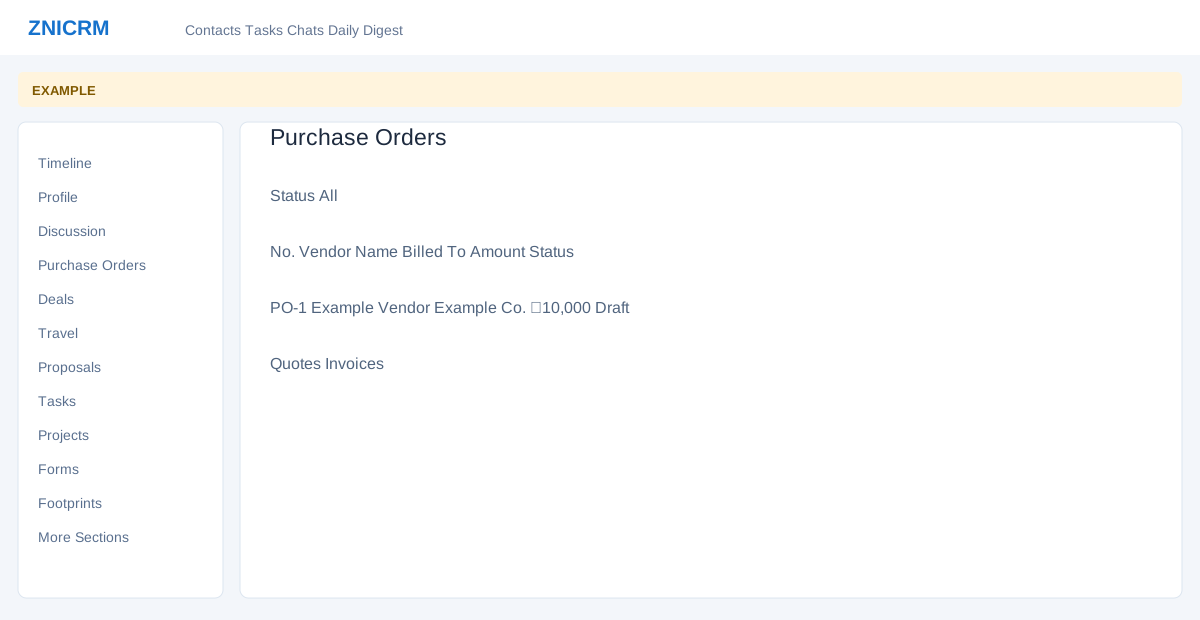
Open the page
Contact conversation → More Sections → Quotes or Invoices; Purchase Orders is in the main menu.
Review commercial records
- Quotes and Invoices show No., Date and Amount. Open a row where available to review the source document. Use deal details to add a quote or link an existing quote to a deal.
- Purchase Orders provides a Status filter and displays No, Vendor Name, Billed To, Amount, Date, Status and Owner. Apply the appropriate status and open the relevant order when available.
- Example: check that a quote belongs to the intended deal before sending or raising an invoice. These documents can contain financial and personal information; sanitize shared captures.