Older toll-free subscription checkout
This older billing screen may be available depending on your account and its terms.
Select an offer
The older toll-free offer describes auto-renewal and KYC requirements, and provides a number selector and Subscribe. Review current service availability, terms and price with support; the old page’s amounts are not a current quote. Choosing Subscribe on this offer posts the selected number and opens the confirmation page.
Review the confirmation
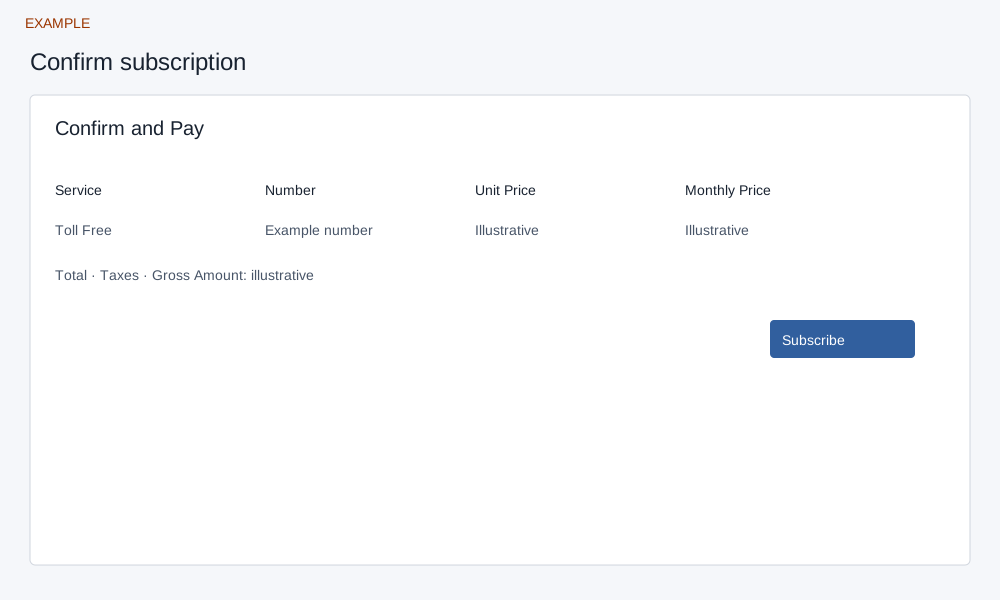
The confirmation displays the selected toll-free number and historical amounts. Loading it creates a provider checkout session before its separate Subscribe button is pressed. That second button hands off to Stripe. If nothing happens, inspect billing status and contact support before retrying. Verify the provider’s actual terms and confirm account status afterwards; opening checkout or returning from it does not establish that a subscription is active. If the result is uncertain, inspect billing and contact support before retrying.
Administrator access is required for billing changes. Check current provider availability before proceeding.