Find assignments
Availability depends on your account configuration and permissions.
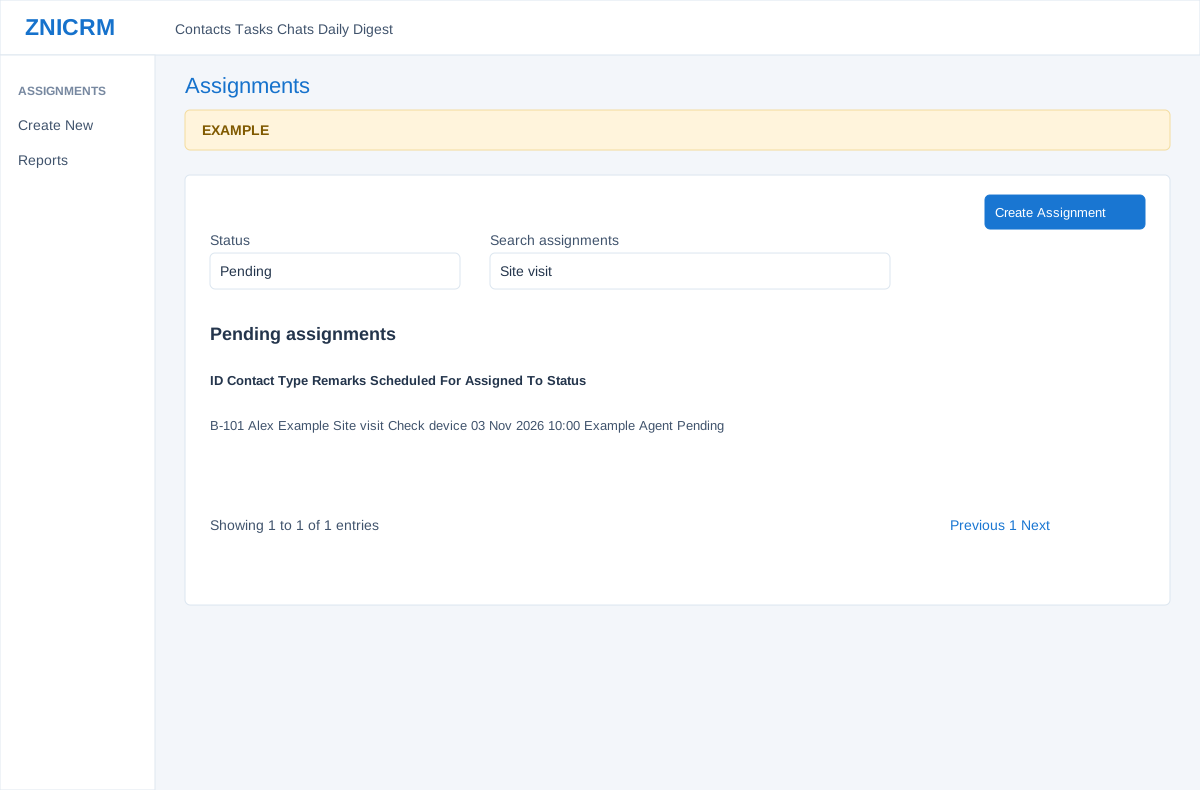
Open the page
Switch app > Assignments > Reports. Administrator permissions may be required.
Filter and review
- Choose Pending, Completed or Cancelled in Status. Search assignments narrows the loaded table; use sortable column headers, Show entries and Previous / Next to browse.
- Review ID, Contact Name, Assignment Type, Remarks, Scheduled For, Assigned To and Status. Choose an ID to open its details. Create Assignment starts a new booking where access is granted.
- A report opened from a contact can be limited to that contact. The report retrieves up to 1,000 records, so the loaded table is not necessarily a complete history.