Subscription types
Define types used for subscription records.
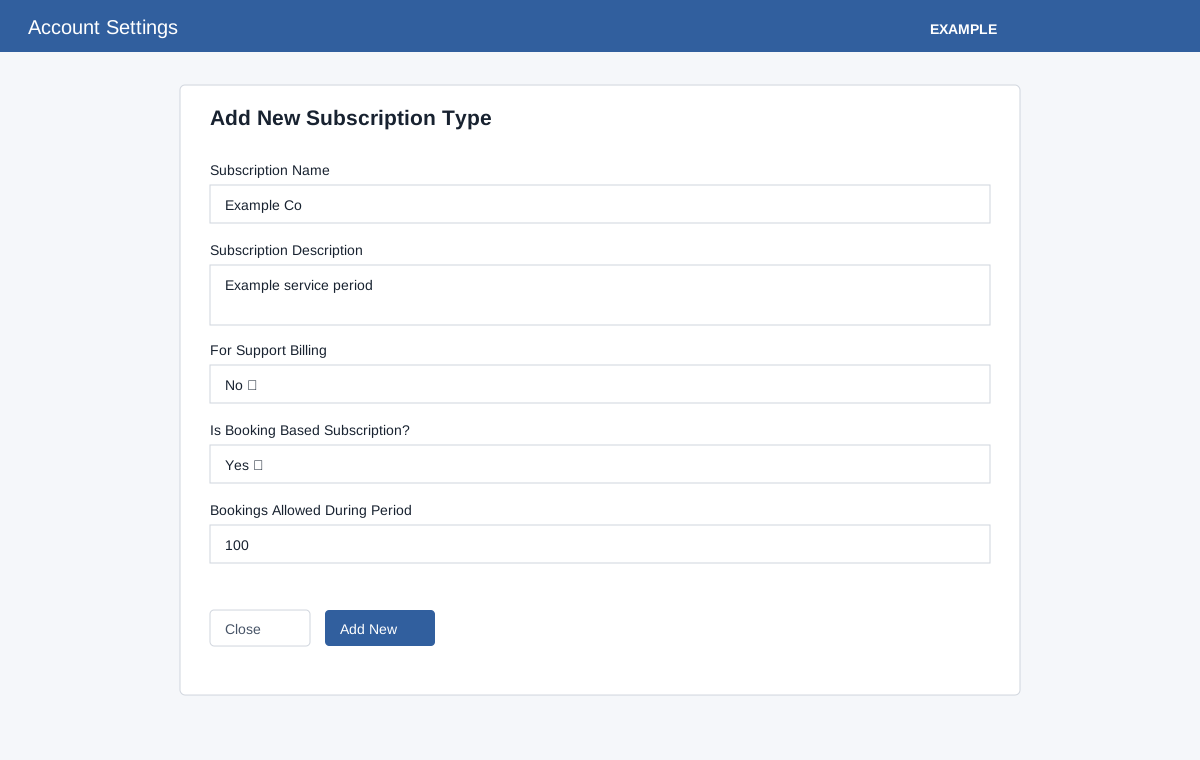
Add a type
Administrators open Account Settings → Features Settings → Subscriptions. The Types table shows Name, Description, For Support?, Booking Based? and Booking Limit per subscription period. Search, column sorting and pagination operate on the loaded table; Close or × dismisses the form. Both Yes/No choices initially display No.
- Choose Add New. Enter Subscription Name and Description; the form accepts letters, digits and spaces in the name. The limits are 45 and 255 characters respectively.
- Set For Support Billing and Is Booking Based Subscription? to Yes or No. Enter Bookings Allowed During Period as a number from 1 to 10,000; the error text incorrectly says 1–1,000. The form rejects empty or zero limits.
- Choose Add New and reload to verify the row. The Options cell is empty; this table does not offer edit or delete controls.
If creation fails, check the values and administrator access.