Register a CRM account
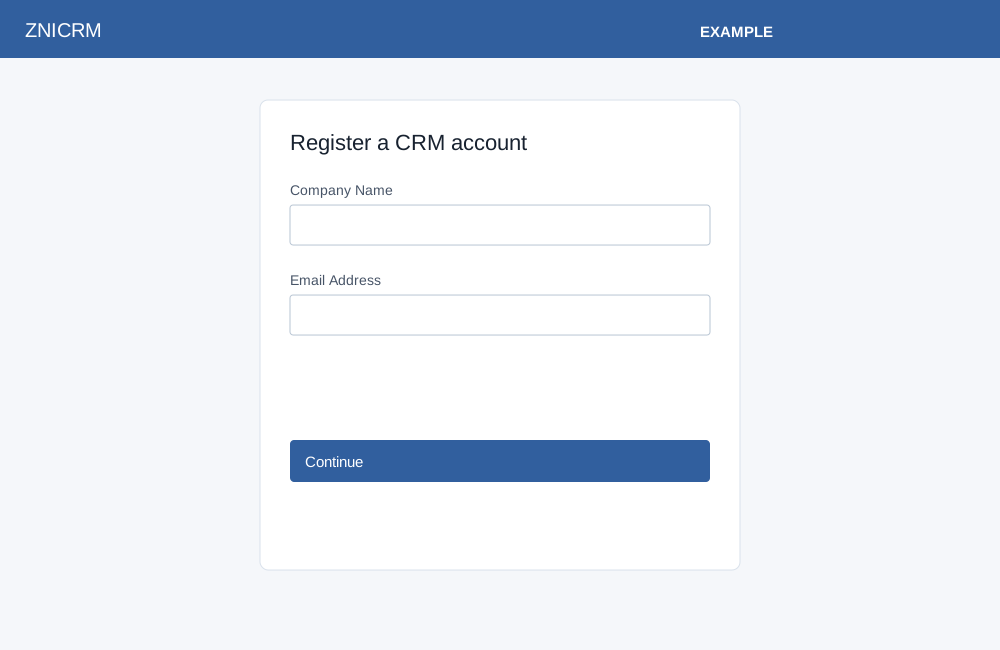
On the Sign Up link, the standard registration form first asks for Company Name and Email Address. Both are required. Select Continue; the service validates the identity and opens the remaining details when accepted.
Enter Contact Number with country code, select Industry and Number of Users Need CRM Access, and accept the Terms of Service. Team-size choices are 1–3, 4–5, 6–10, 11–25, 26–50 and Enterprise Over 50. Industry choices are Career Services, Coaching (Business/Life), Consulting, EdTech, Education, Financial Planning, Insurance Agent/Agency, Information Technology, Manufacturing, Marketing Agency, Non Profit, Real Estate, Recruiting, Sales, Tours & Travels Agent/Agency and Other. Back returns to the first step. Setup Account submits registration and creates the account; follow the success redirect or link to the dashboard or partner panel. The screen says an OTP will be sent to the contact number. Use the actual account flow and messages to verify access.
If validation fails, correct the displayed fields and retry. Opening a registration link containing a phone number may create a lead. See registration variants for contact-form and offer entry, including the effect of opening a contact-form link containing a phone number. Android registration uses the app-specific form and return flow; availability and completion differ from this standard path.