Contact-form registration
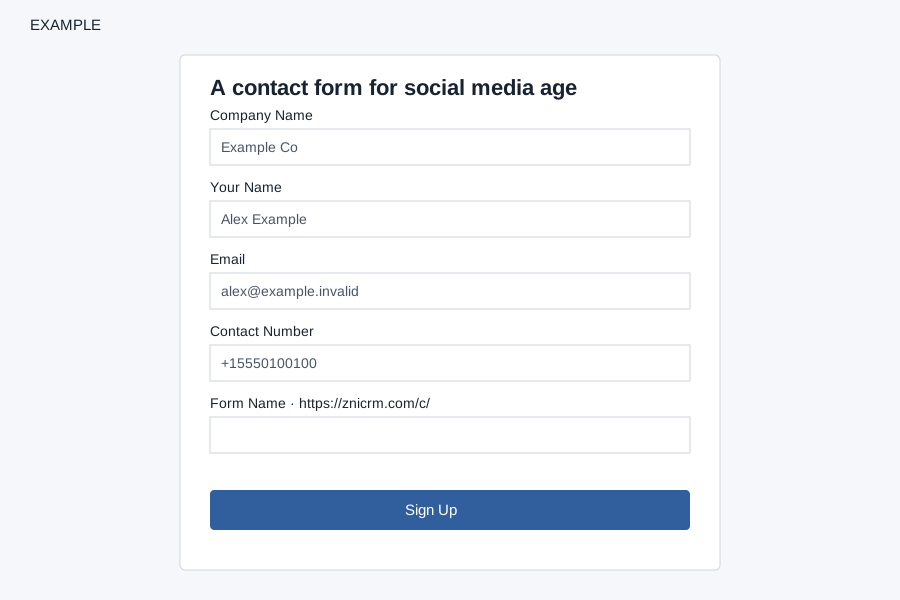
The contact-form registration page has Company Name, Your Name, Email, Contact Number and Form Name, all marked required. Form Name has an 8–30 character browser limit; the system checks availability after normalizing the key. Email and phone may be prefilled in a registration link. Opening a link containing a phone number may create a lead before submission.
Sign Up runs reCAPTCHA and validates company name length 5–45, email length 5–60, and phone length 10–15 in the browser; the system also validates email, numeric phone, form-key availability and a per-IP registration limit. Registration generates a password, creates a company for the contact-form service and attempts sign-in. On success the page says details were emailed and provides a CRM link; verify access and email before retrying, since creation may already have succeeded. Form-name conflicts, validation, CAPTCHA or rate limits can prevent completion.