Configure outbound CRM webhooks with the delivery controls real integrations need.
Define queue-based or realtime delivery, choose GET or POST, set TEXT or JSON bodies, configure None, Bearer, or Digest authorization, and push CRM data to downstream systems without manual exports.
- Store webhook name, description, type, method, URL, body format, authorization, and custom headers in one admin setup flow.
- Use queue-based delivery where reliability matters more than pure immediacy.
- Trigger downstream automation from workflow actions or other supported product flows.
Downstream systems stay informed without heavy custom connector work.
Designed for teams that need flexible delivery and cleaner payload control.
Choose queue-based or realtime based on risk.
Set methods, headers, auth, and body formats clearly.
Fire downstream actions from CRM event changes.
Send meaningful customer and staff context outward.
Notify other systems without heavy custom connectors.
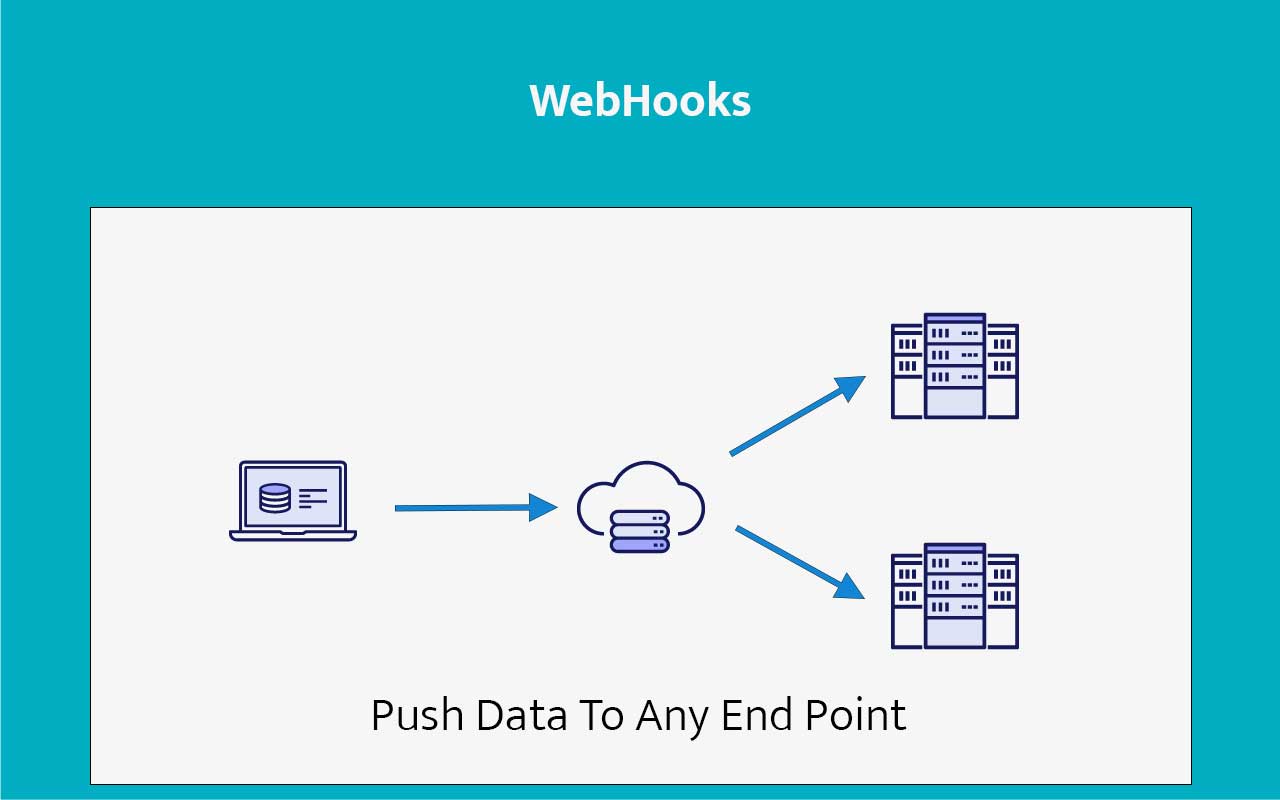
Simple one-way API delivery for critical CRM events.
Disconnected tools slow down operations after the lead is already in motion.
When CRM updates stay trapped in one system, teams end up exporting files, checking status manually, or waiting for batch syncs that arrive too late.
Exports create delay
Data reaches downstream systems only after somebody remembers to move it.
Polling wastes effort
External tools keep checking for updates instead of receiving them when they happen.
Teams lose confidence
If systems are out of sync, nobody fully trusts what they are looking at.

Let CRM events notify the next system automatically.
ZNICRM webhooks give you a lightweight way to push important changes out to other software without forcing your team into a manual sync routine.
No-code endpoint setup
Configure where the data should go and what type of CRM event should trigger it.
Platform agnostic
Receive webhook data in any stack or programming language that can handle HTTP requests.
Real-time movement
Send important record updates immediately instead of waiting for manual intervention.
Clean operational handoff
Keep other tools aware of changes without asking teams to repeat the same work twice.
Built for fast data delivery, not integration bloat.
The webhook setup exposes the operational details teams usually end up custom-coding elsewhere.
Delivery mode control
Choose Queue Based or Realtime, with queue-based delivery recommended for safer production use.
HTTP and body options
Use GET or POST and define payloads as TEXT or JSON based on what the receiving system expects.
Authorization and headers
Configure None, Bearer, or Digest auth plus custom headers without wrapping the endpoint in extra middleware.
Workflow friendly
Call the webhook from workflow actions or related automation flows when CRM events should notify another system.
Keep your stack informed without creating extra admin work.
Webhooks are most useful when they remove waiting, exporting, and duplicate data entry from the team’s day.
- Update downstream systems as soon as the CRM changes, with queue control where reliability matters.
- Reduce manual exports and status-sharing across teams.
- Use dynamic variables for staff, contact, company, and remarks inside the payload body.
- Keep external tools closer to the latest customer context without building a full custom connector first.
Choose realtime or queued delivery based on how the downstream system should behave under load.
HTTP method, auth mode, headers, and payload format stay editable from the admin setup.
Point the webhook to your internal tools, portals, analytics stack, or automation services.
Let workflow actions and downstream systems continue the business process the moment a CRM event is recorded.
Create the webhook config, attach it to a flow, then let CRM deliver the payload.
The product setup is admin-first and works best when paired with workflow actions or related automation steps.
Create the admin config
Set name, type, method, URL, auth, headers, and body format in the webhook configuration layer.
Build the payload
Use dynamic variables for staff, contact, company, remarks, and related CRM values in the request body.
Attach it to a trigger
Attach the webhook to the workflow or automation flow that should notify another system.
Let the receiver continue
The target ERP, portal, analytics stack, or app processes the payload and continues the downstream operation.
See where real-time outbound CRM signals fit best.
Use webhooks to connect CRM updates with reporting layers, ERP actions, custom portals, or internal automations.
Show the trigger, payload, and external handoff in one quick walkthrough.
Ideal for teams that need operations and development aligned around the same event flow.
Useful when your CRM has to talk to the rest of the business.
Webhooks are a practical bridge for teams that need fast handoffs without building a full custom integration layer first.
"Webhook support gives us a clean path from CRM activity to the systems that need to act on it next. That removes a lot of manual coordination."
"It is the quickest way to keep our downstream tools aware of CRM changes without asking the team to export and upload data all day."
Send CRM updates to the next system without manual syncs.
Use ZNICRM webhooks to build real-time outbound connections that keep your operations moving the second customer data changes.