Skip to content

See the gap between planned work and field results.

TeamSpoor field analytics brings planned stops, visits, verification and recorded travel into a review your managers can act on.

  • Planned vs completed stops
  • Team and office filters
  • Reports you can investigate
Inside TeamSpoor
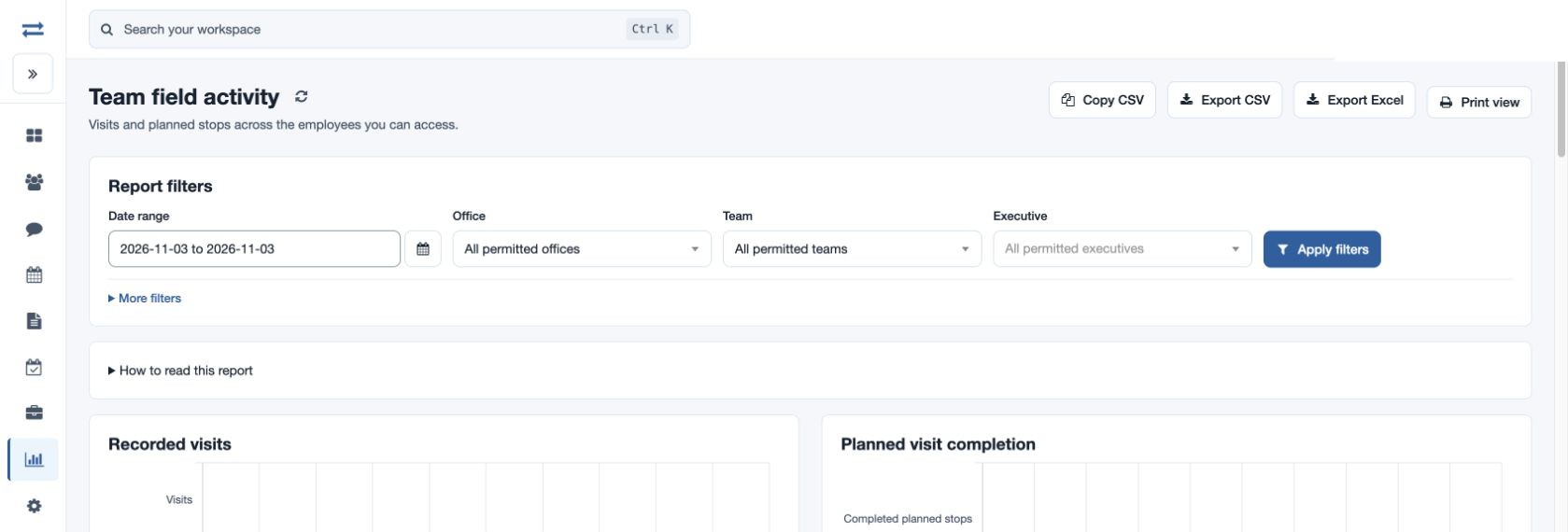
TeamSpoor team field activity report with plan and visit measures
TeamSpoor screen · sample dataOpen full size
  1. Plan
  2. Measure
  3. Investigate
  1. 1Choose the period
  2. 2Compare the work
  3. 3Inspect the records
  4. 4Agree the next action

Start with a question. Finish with a decision.

A total visit count cannot explain why a customer round is unfinished. You need to compare the plan with recorded visits, understand which records have been verified and check the travel context where it matters.

TeamSpoor gives managers a common reporting scope across date, office, team and executive. Use Team field activity to find the gap, then open the relevant Beat Plan, Visits or Distance travelled report to investigate it. The result is a practical review conversation grounded in the same records.

Product walkthrough

Find the number. Understand the story behind it.

Put the plan and actual work side by side.

Set the date range and the team you want to review. Read planned, completed and pending stops alongside visits, productive visits and verified visits. Available columns follow your reporting permissions.

  1. Keep the scope consistent

    Use the same period, office and team when comparing employees.

  2. Separate the measures

    Completed planned stops have linked visits; total visits can include other customer interactions.

  3. Spot the follow-up

    Use pending stops to find work that needs investigation in the Beat Plan report.

Read the step-by-step guide

Reports → Team field activity

Inside TeamSpoor
TeamSpoor employee-level planned stop and recorded visit analytics
TeamSpoor screen · sample dataOpen full size
Why it matters

A coverage question becomes a specific list of stops to review.
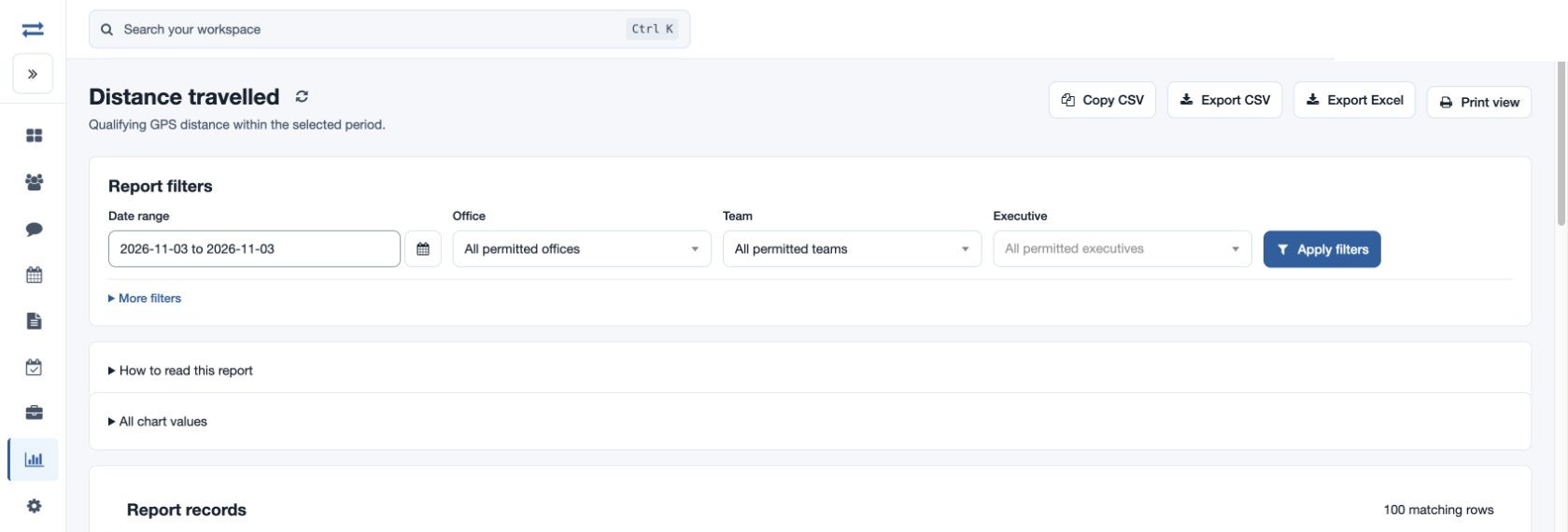
Read distance together with its evidence.

Compare recorded travel in a common unit. The report shows the employee’s preferred unit, a kilometre value and qualifying GPS readings so you can assess the basis of the total.

  1. Check the unit

    Use Distance (km) for a comparison across employees with different units.

  2. Check the readings

    A missing distance or zero reading count calls for a recording check.

  3. Connect to customer work

    Use the same date and executive to review visits or the route map.

Read the step-by-step guide

Reports → Distance travelled

Inside TeamSpoor
TeamSpoor distance report with employee units and qualifying readings
TeamSpoor screen · sample dataOpen full size
Why it matters

Travel context helps explain a field day without turning missing data into a performance conclusion.

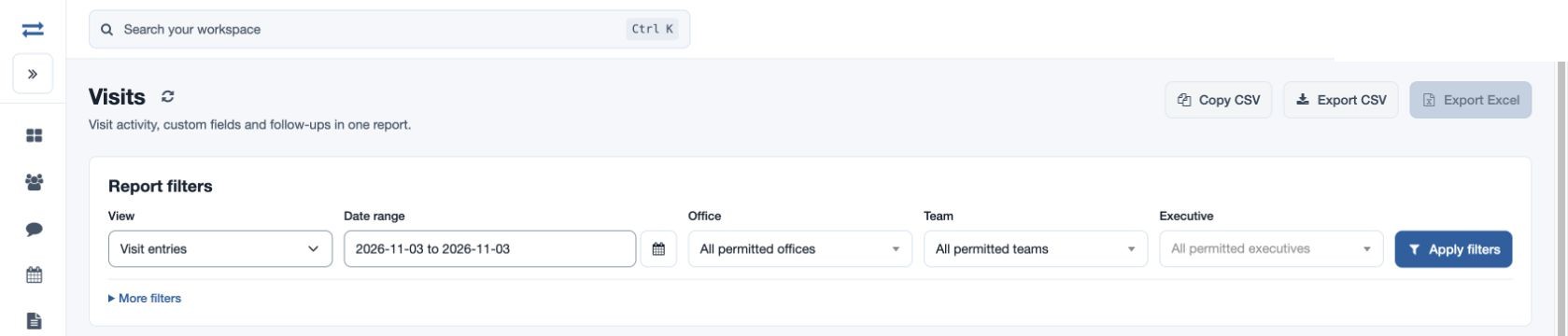
Move from a summary to the customer record.

Filter visits for the same employee and dates. Choose a view, narrow by company or verification status, and open the Visit ID to inspect remarks, timing and submitted evidence.

  1. Find the relevant visit

    Search the customer or use the exact-company filter for company history.

  2. Read the details

    Inspect the meeting status, follow-up and evidence before deciding what the number means.

  3. Share a consistent review

    Export the filtered report where permitted, so the discussion uses the same selection.

Read the step-by-step guide

Reports → Visits

Inside TeamSpoor
TeamSpoor visit filters for investigating an operational analytics result
TeamSpoor screen · sample dataOpen full size
Why it matters

Managers can explain the records behind a trend and choose a concrete follow-up.

Example workflow

Turn a weekly coverage gap into a plan.

A sales manager reviews a fictional weekly round with 20 planned stops and 14 completed planned stops. These numbers illustrate the review method; they are not customer results.

Illustrative scenario · not a customer result
  1. Start with the gap

    Six stops need a closer look

    Filter Team field activity to the week and team. The six remaining stops are the starting point for investigation.

  2. Open the source

    Check the six planned stops

    In Beat Plan, inspect dates, assignment and app receipt. Open any linked visits to understand what was recorded.

  3. Agree the action

    Separate rescheduling from recording issues

    Discuss the customer outcome with the executive. Reschedule the visits that still need to happen and resolve any missing reporting context.

What changes

The review produces a customer follow-up plan, rather than a ranking based only on visit totals.

Read each field metric correctly.

Keep the meaning of the measure attached to the number when presenting a team review.

Swipe across the table to compare all columns.

MeasureWhat it tells youUseful follow-up
Pending planned stopsPlanned stops without a linked completed visit.Check assignment, app receipt and customer circumstances.
Productive visitsThe productive-visit measure recorded in the visit report.Inspect meeting status and the business outcome in the visit.
Verified visitsRecords that have been verified through the review workflow.Review remaining unverified records before treating them as checked.
Visits without distanceVisits for which the distance measure is missing.Check recording context; missing distance does not establish no travel.
Recorded travel distanceQualifying recorded GPS segments within the selected period.Compare units and reading counts; this is not a road-route estimate.

Put it to work in your team.

Use the same connected process in the customer interactions your team handles every day.

01

Sales coverage review

Compare scheduled customer stops with recorded visits across a consistent period. Investigate pending stops and inspect the customer outcome before adjusting territories or the next coverage round.

02

Service operations review

Review planned customer work alongside recorded visits and evidence. Identify which cases need a supervisor’s attention while keeping visit completion separate from the business’s final service acceptance.

03

Field data quality review

Inspect visits without distance, incomplete evidence and inconsistent reporting scope. Use the findings to improve app readiness, submission instructions or manager review rather than treating every gap as an employee failure.

Make it practical

Try it with one real field workflow.

Choose one recurring management question for the pilot: missed coverage, visit follow-ups or travel context. Agree which report answers it and which underlying record the manager should inspect.

Run the review with the people who own the next action. A useful analytics workflow ends with a rescheduled visit, a customer follow-up or a resolved reporting question.

Your evaluation checklist

Questions, answered

The details that help you decide.

Need to walk through your own process?

Talk to the TeamSpoor team
What field performance measures can I review?

Available Team field activity measures include visits, productive and verified visits, recorded visit distance and travel time, visits without distance, and planned, completed and pending stops. Columns depend on the relevant features and report permissions.

Can I compare planned visits with completed work?

Yes. Plan measures can be reviewed alongside visit measures in Team field activity. A completed planned stop has a linked recorded visit. Open the underlying record when an aggregate difference needs explanation.

Does recorded distance measure productivity?

Distance provides travel context, not a complete measure of work or customer outcomes. Inspect units, qualifying readings and missing-distance records. Pair it with the planned task and reported visit before drawing an operational conclusion.

Can we analyze the data outside TeamSpoor?

Relevant reports offer permission-controlled downloads, and archive exports support selected structured datasets under separate limits. Preserve the scope and metric definitions when combining data. Review integration requirements for a repeatable external reporting workflow.

See how it fits your field team.

Bring one real workflow to a TeamSpoor trial or demo.