Bring lead sources, ad platforms, and connector tools into one CRM flow.
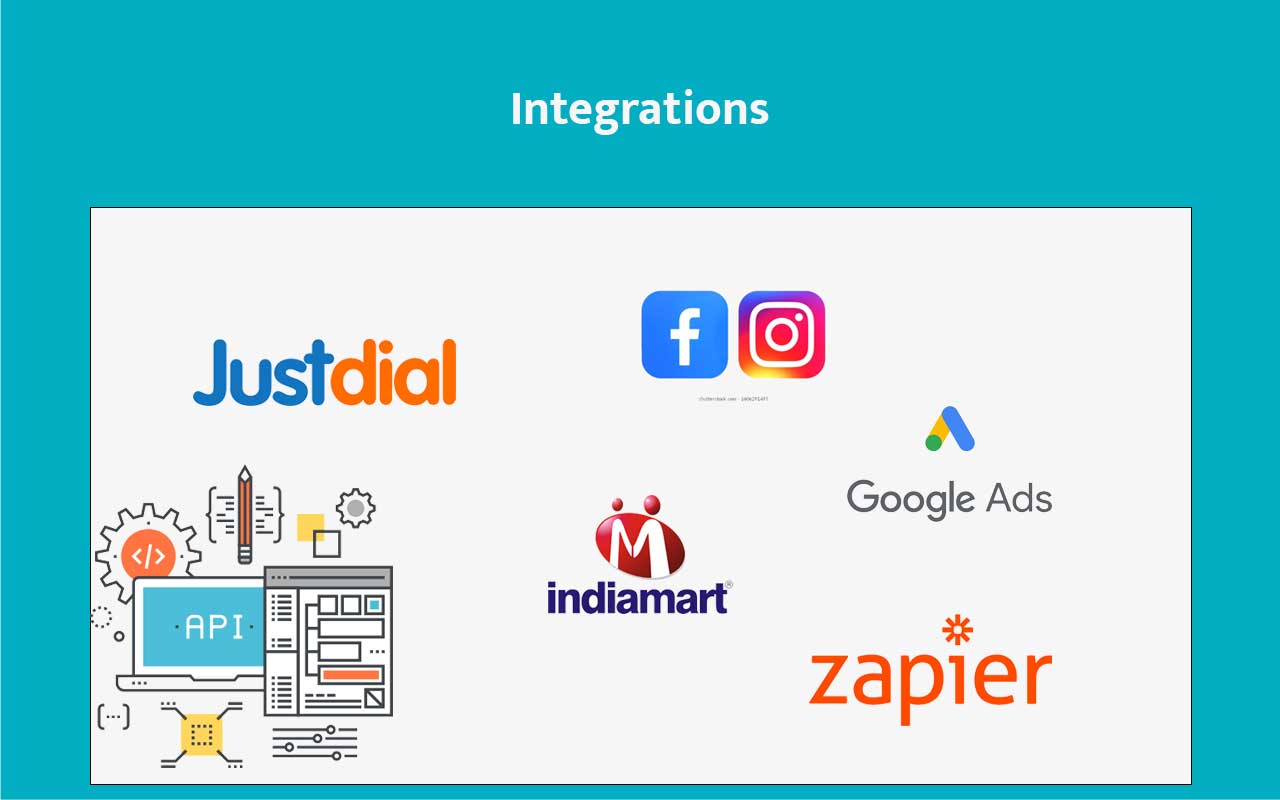
Use the admin integrations layer to connect Google Ads, Google Ads Conversion, Facebook, Instagram lead forms, IndiaMART, and Zapier, then validate the sync through CRM records and provider-side reporting.
- Authorize external accounts, map the right pages or ad accounts, and start receiving leads without manual importing.
- Use built-in connectors for common growth channels and open APIs when the flow needs to go further.
- Extend the CRM stack with Zapier when no-code process coverage matters more than custom development.
External lead sources and app flows arrive without operational lag.
Designed for teams that want simpler intake and fewer manual imports.
Bring external demand into CRM without manual imports.
Connect ads, marketplaces, and app automation together.
Check sync quality through records and source reports.
Use Zapier when custom development is unnecessary.
Keep downstream processes close to CRM events.
Lead data loses value when it reaches the CRM late or inconsistently.
Teams waste time on imports, duplicate entry, and connector workarounds instead of responding to leads while interest is still fresh.
Lead sources stay isolated
Ad platforms and marketplaces generate demand, but that demand arrives too slowly in the CRM.
Manual imports create lag
Every upload step pushes response time further away from the customer’s actual intent moment.
Vendor lock-in limits flexibility
Some CRMs force fixed gateways and connectors that do not match your actual operating stack.
Use ready integrations where available and open APIs where you need freedom.
ZNICRM keeps standard lead-source connections simple while still giving your developers or ops team room to connect the rest of your ecosystem cleanly.
Ads and lead forms
Connect Google Ads and Meta lead sources so high-intent records reach the CRM as soon as the platform captures them.
Marketplace intake
Bring IndiaMART enquiries into the same response process instead of handling them in a separate operations lane.
No-code extension path
Use Zapier when the team needs to bridge the CRM to a wider app stack without waiting for a custom build.
Verification loop
Each integration is designed to be checked through CRM records, mapped accounts, and provider-side validation after setup.
Connect the systems that shape lead flow and customer action.
Designed to reduce import work, improve response speed, and make CRM the center of the operating stack.
Google Ads lead intake
Bring PPC lead form data into the CRM quickly so the team can respond while interest is high.
Facebook and Instagram
Capture social lead form responses directly into the same customer database.
Zapier and automation tools
Connect thousands of tools through workflow platforms when no-code speed matters.
IndiaMART and marketplaces
Bring marketplace-generated enquiries into CRM without relying on manual file handling.
Faster lead entry. Cleaner handoffs. More control over your stack.
Leads move into CRM faster so teams can respond with better timing.
Demand channels and the CRM operate like one flow instead of separate silos.
Use ready connections where possible and custom APIs where needed.
Keep adding tools without redesigning your core CRM process every time.
Authorize the source, map the account, then verify the lead flow inside CRM.
The setup sequence is consistent across the documented integrations even when each platform has its own account or page mapping step.
Open the admin integration page
Choose the documented connector such as Google Ads, Facebook, IndiaMART, or Zapier from the admin setup area.
Authorize and map
Connect the account, page, or ad source that should send leads or events into the CRM.
Validate the intake
Confirm that records appear correctly in ZNICRM and match the expected source-side test or report.
Extend with automation
Add Zapier, APIs, workflows, or webhooks where the default intake should trigger a larger process.
See how external demand and internal actions meet in one CRM layer.
Use integrations to turn lead sources, gateways, and automation tools into part of a continuous operating system.
Walk through how leads from ads and external systems land in CRM automatically.
Use it to show teams how response time improves when imports disappear.
Best suited for teams that depend on multiple lead and workflow systems.
Integrations are most valuable when they reduce lag between customer intent and team action.
"Bringing our lead sources into the CRM automatically made the team noticeably faster. The response window improved because the import work disappeared."
"The combination of built-in connections and open APIs gives us a practical path for both quick wins and deeper custom setup."
Connect your lead sources and tools without slowing the CRM down.
Use ready integrations and open APIs in ZNICRM to make your software stack work like one operating system.