Shape the CRM around your operating model instead of forcing your team into defaults.
ZNICRM becomes fully useful when your statuses, filters, forms, products, departments, and workflow actions reflect the process your team already follows. Customization is not a surface-level theme layer here. It changes how records are captured, routed, filtered, and automated.
- Adapt lead stages, products, and operational structures to match your commercial language.
- Extend the data model with custom forms, submitted-form filters, and process-specific routing.
- Connect configuration choices to workflows, webhooks, reporting filters, and daily execution.
Teams work faster when the CRM matches the business language.
Useful when default structures create workarounds instead of momentum.
Match CRM structure to your actual operating language.
Add forms, filters, and fields where defaults fail.
Teams work faster when the CRM feels familiar.
Let workflows act on structures built for your business.
Extend the model as the business evolves.
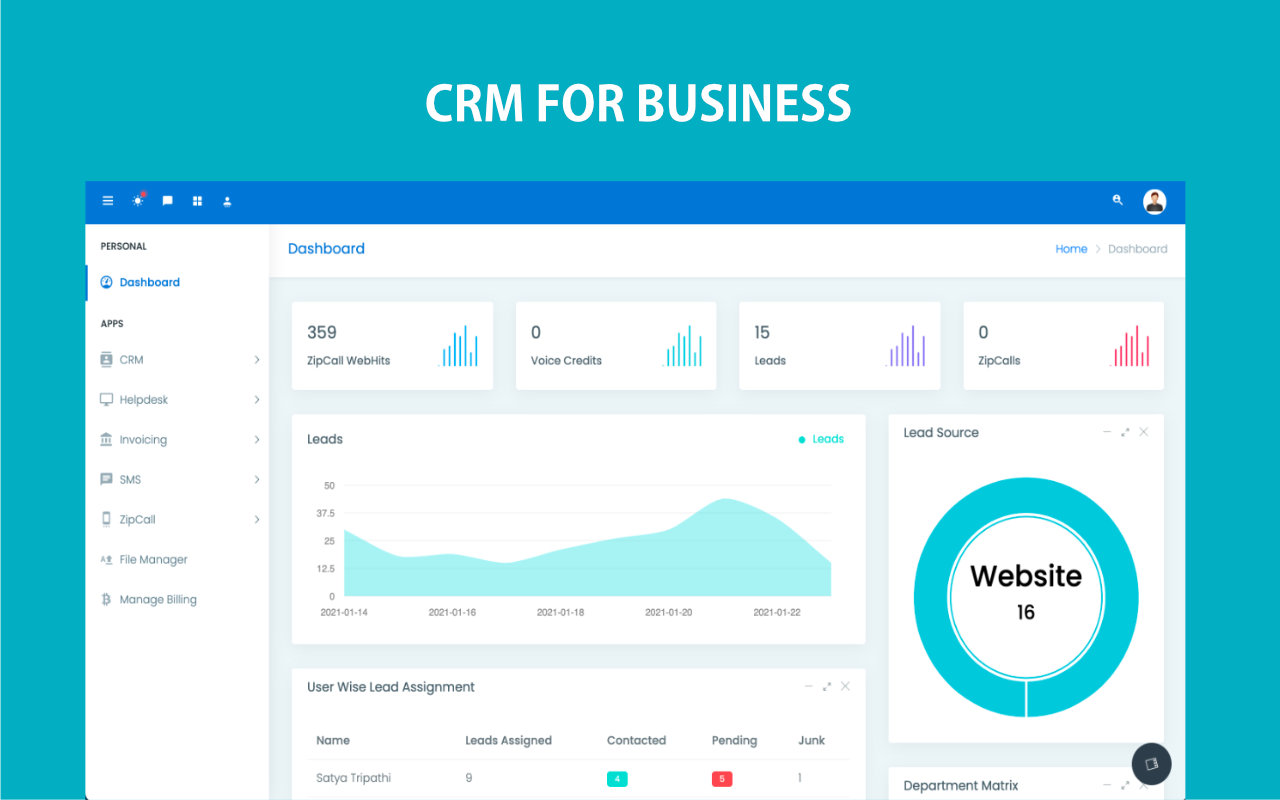
Generic CRM structure becomes a liability once the business process gets real.
When stages, forms, products, and routing rules do not match the operating model, teams start maintaining hidden workarounds that damage adoption and reporting.
Default language fights the team
Users are forced into status names and structures that do not match how the business actually works.
Data capture becomes partial
Important process-specific information gets pushed into notes or external sheets because the CRM model is too narrow.
Automation loses fit
Even good workflow tools underperform when the underlying record structure does not reflect reality.

Customize the structure and the execution layer together.
Customization works best when forms, statuses, filters, departments, products, and automation rules are treated as one system. That is how the CRM starts to feel native to the business instead of tolerated by it.
Process-specific stages
Use status models that match how your team talks about leads, deals, and service work.
Custom data capture
Extend records with forms, product-linked fields, and richer filters where the default model is not enough.
Operational routing
Shape departments, escalation paths, and ownership rules around the real organization.
Automation compatibility
Let workflows, webhooks, and reports operate on the customized structure rather than fighting against it.
Map the business model first, then configure CRM layers that reinforce it.
Useful customization is intentional. It should improve capture, routing, reporting, and automation at the same time.
Define your operating language
Map the statuses, products, forms, and ownership patterns the team already uses every day.
Configure capture and routing
Set up forms, departments, escalations, and other structures that shape how records enter the CRM.
Layer in filtering and reporting
Create reusable reporting filters and process-aware views that reflect the customized model.
Connect automation
Let workflows, task scheduling, digest, and webhooks act on the structure your business actually needs.
Make the CRM fit the business instead of teaching the business to tolerate defaults.
Use ZNICRM customization to align data capture, routing, reporting, and automation with the way your team already delivers work.