Never let leads go cold again with AI Followup Intelligence
Follow-up Intelligence in ZNICRM monitors CRM activity, detects follow-up risk, and alerts your team before leads and opportunities are neglected. Improve response discipline, enforce SLAs, and give managers early visibility into pipeline risk.
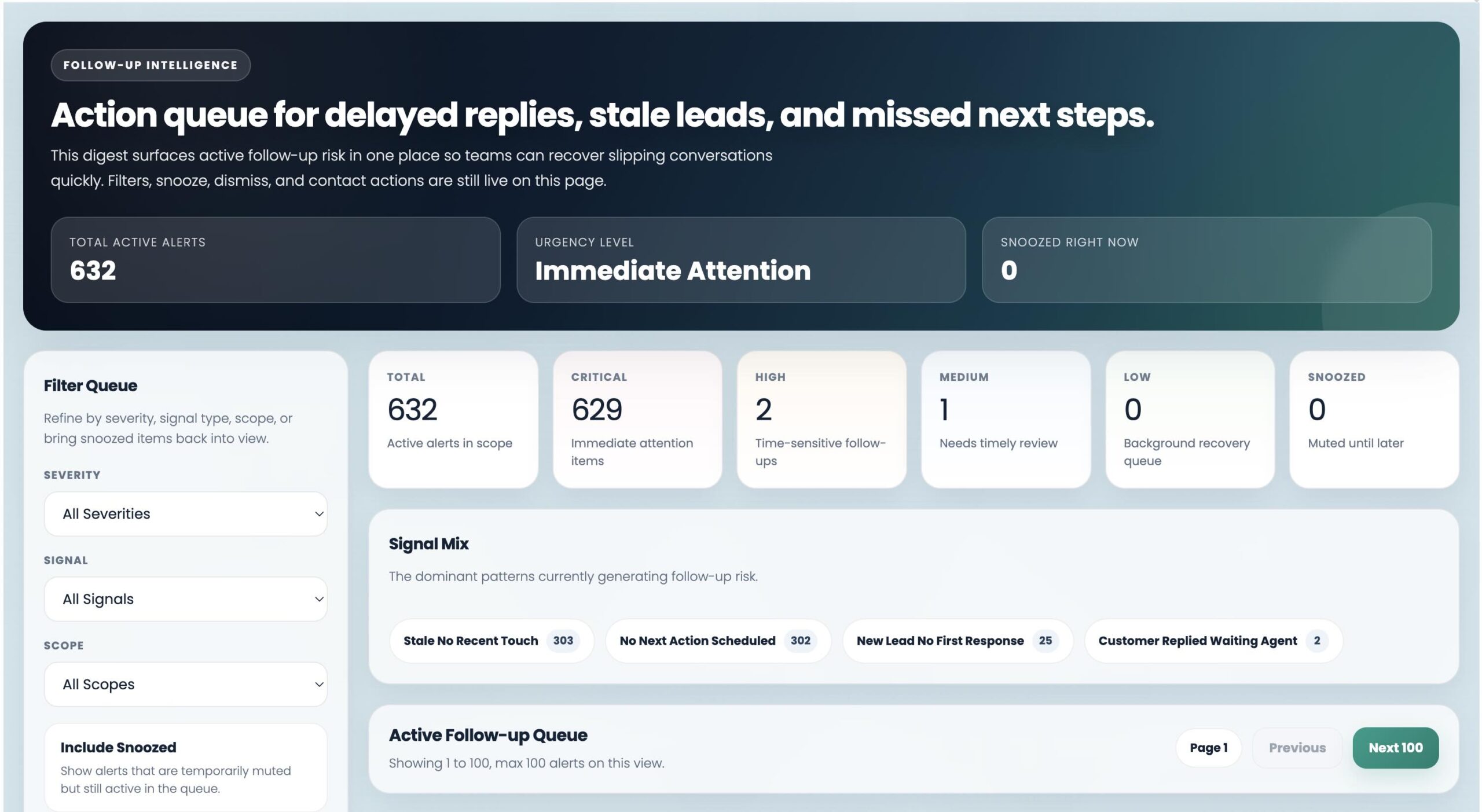
Missed followup is one of the biggest hidden reasons deals stall
Most teams do not lose deals only because of poor lead quality. They lose deals because followup happens too late, too inconsistently, or not at all. Without a system to monitor followup inside CRM, lead neglect becomes invisible until it starts hurting conversion, pipeline health, and revenue.
Leads go cold quietly
By the time someone notices inactivity, buyer intent is already fading.
Managers react too late
Manual pipeline reviews often catch follow-up issues after the risk has already grown.
Sales discipline becomes inconsistent
Different users follow different habits, creating uneven response quality across the team.
What is Follow-up Intelligence?
Follow-up Intelligence is a CRM monitoring feature in ZNICRM that identifies follow-up risk before leads and opportunities are neglected. It uses CRM activity, follow-up timing, user scope, and signal configuration to detect risk, group notifications, apply signal rules, and help teams act before pipeline value is lost.
Your CRM becomes proactive instead of reactive
Instead of relying on memory, manual review, or scattered reminders, the system surfaces where followup needs attention and keeps the next action visible.
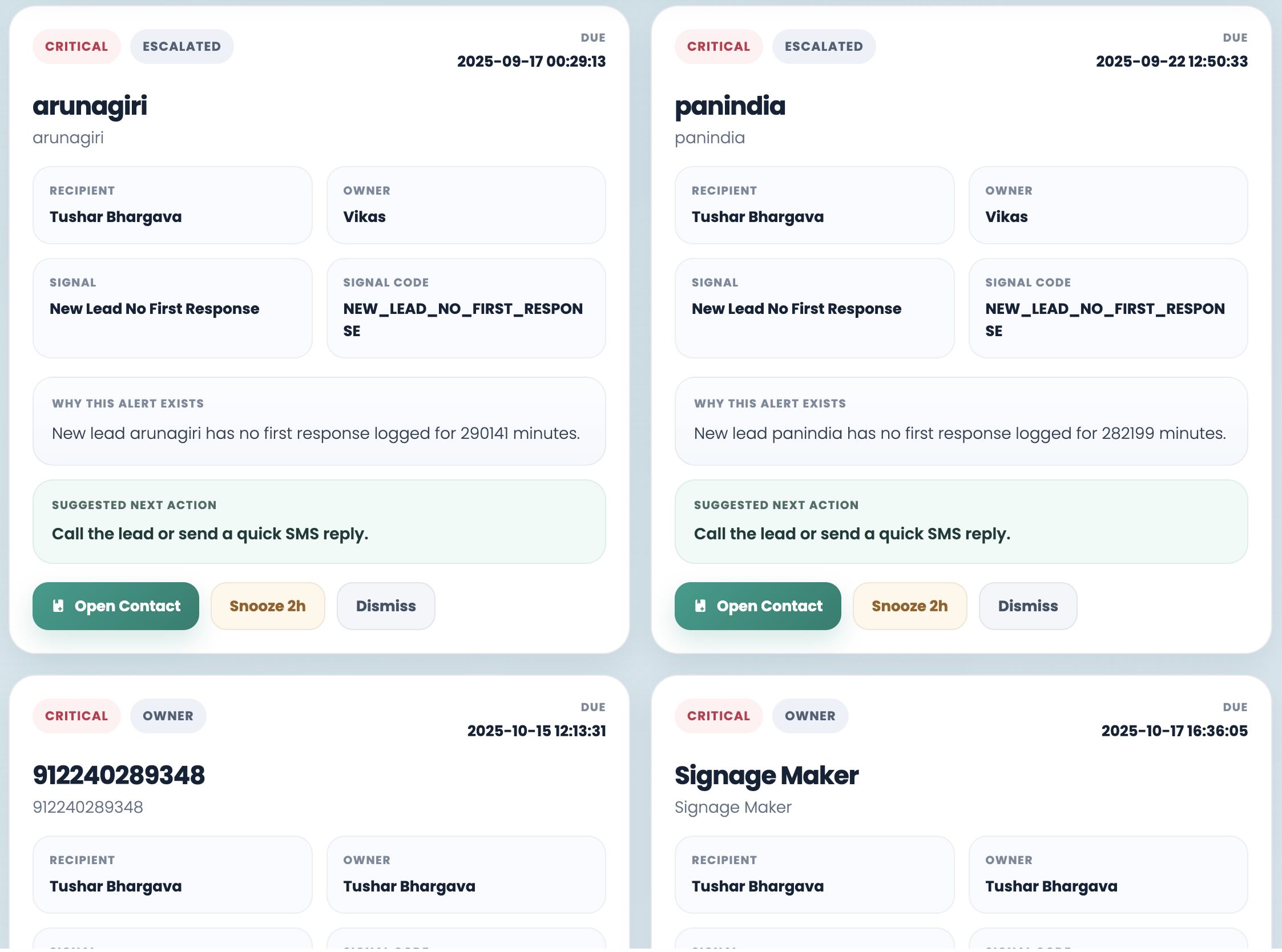
Teams do not have to search for inactivity manually. The workflow surfaces risk where reps and managers already work.
Features built for real CRM follow-up monitoring
The feature should feel practical immediately. These are the core building blocks teams use to reduce follow-up risk and tighten sales discipline.
Scoped monitoring
Choose which users, teams, or business segments should be included in follow-up monitoring.
SLA-based signals
Set follow-up timing thresholds that determine when a lead or opportunity becomes a risk.
Grouped notifications
Alert the right reps and managers without creating noisy, scattered reminder workflows.
Escalation logic
Apply broader visibility and stronger control to high-priority records that need closer oversight.
Cleanup and exclusions
Keep alerts meaningful by excluding records and cases that should not trigger signals.
Digest visibility
Review follow-up signals in CRM digest views and follow-up reports without leaving the workflow.
Why teams use follow-up monitoring in CRM
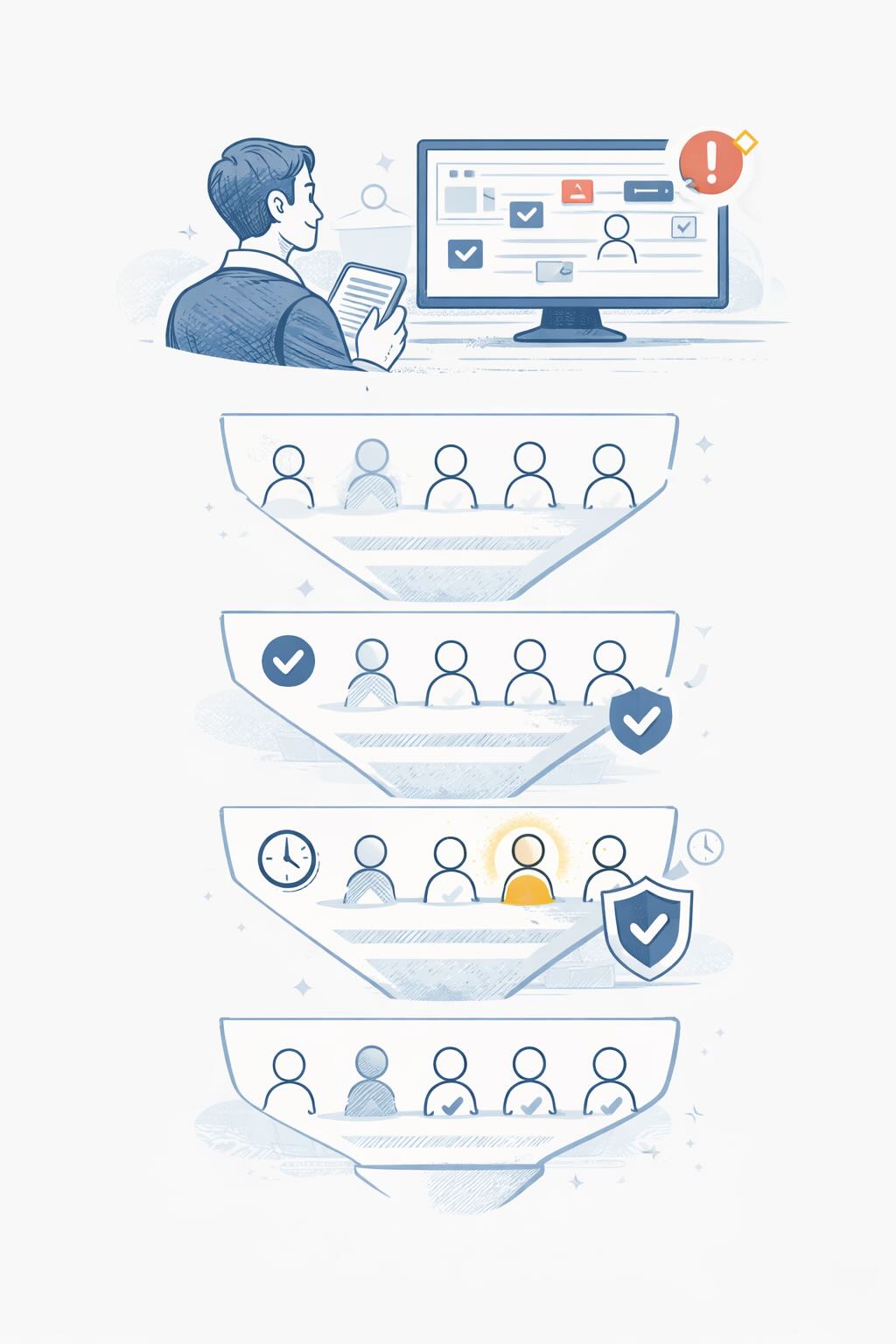
Follow-up Intelligence helps teams catch risk before it's too late, create more consistent sales behavior, and give managers early visibility into pipeline health. It's the proactive system your CRM needs to keep leads from going cold and deals from stalling.
Reduce lead neglect
Catch delayed lead followup before prospects lose interest or disappear from the sales process.
Improve response discipline
Create more consistent sales behavior with clearly defined follow-up expectations.
Enforce sales SLAs
Monitor whether teams are following response windows and activity timelines inside CRM.
Protect high-value opportunities
Give priority records tighter oversight so they do not slip through the cracks.
Give managers early visibility
Help leaders identify follow-up risk before it becomes a reporting problem or pipeline surprise.
How Follow-up Intelligence works in ZNICRM
ZNICRM makes it easy to set up Follow-up Intelligence without complicated workflows or technical implementation.
Choose what to monitor
Define which users or business scopes should be included in follow-up monitoring.
Set your SLAs
Configure timing thresholds that determine when a lead or opportunity becomes a risk.
Define notifications
Choose who gets alerted and how notifications should be grouped for better visibility.
Review alerts and reports
Monitor follow-up signals in CRM digest views and follow-up alert reports.
Review alerts where your team already works
Once configured, follow-up output can be reviewed in the same CRM environment where your team already manages work. That makes the feature feel immediate and practical instead of theoretical.
Configured in a few clicks
Go to:
- scope
- signal SLAs
- notifications
- escalation and AI settings
- cleanup and exclusion rules
Why sales and operations teams value proactive follow-up monitoring
Teams usually want the same outcome: fewer neglected leads, clearer manager visibility, and more consistent followup across the pipeline.
“It gives our managers early visibility before deals lose momentum.”
The biggest shift is operational. Instead of waiting for missed followups to show up in pipeline reviews, teams can act while the opportunity is still recoverable.
“The CRM finally feels proactive instead of just being a place to log activity.”
Scoped monitoring, digest visibility, and alert grouping make follow-up monitoring usable for teams that need action clarity, not more admin work.
“It helps us enforce response discipline without manual policing.”
Reps know what needs action, managers know where risk is building, and high-value opportunities get tighter follow-up oversight.
Still confused about Follow-up Intelligence?
These are the common decision points before moving from manual followup habits to CRM-based follow-up monitoring.
What is Follow-up Intelligence in CRM?
What is AI Followup Intelligence?
Who should use Follow-up Intelligence?
How do I enable Follow-up Intelligence in ZNICRM?
Where can I view alerts?
Turn followup into a strength, not a risk
If your team is managing leads, opportunities, or SLA-driven sales workflows, Follow-up Intelligence helps you respond faster, protect pipeline value, and reduce lead neglect before it affects revenue.