CMS Integrations: Site Builders + Quick Embed

AI chatbot for WordPress and other site builders—installed in minutes

Add the chat widget to WordPress, Wix, Webflow, or Squarespace without redesigning pages. Embed once, then manage conversations and follow-ups from the dashboard.

2 minInstall time
NoTheme changes
Built-inCRM + helpdesk
Free plan available • No live-chat seat fees • Fast install
Widget embedded
Lead captured

ZNI Website Assistant

Works across CMS platforms
Need help adding the widget to your website builder?
Yes—can I add it to WordPress without touching code?
Yes. You can embed via header scripts, and it works across pages immediately.
WordPress-friendly embed options (header/footer)
Works with Wix, Webflow, and Squarespace sites
No layout changes or theme rebuilds required
CRM + helpdesk included for follow-up and support
Fast deployment and brandable widget styling

Install on your CMS in 5 minutes

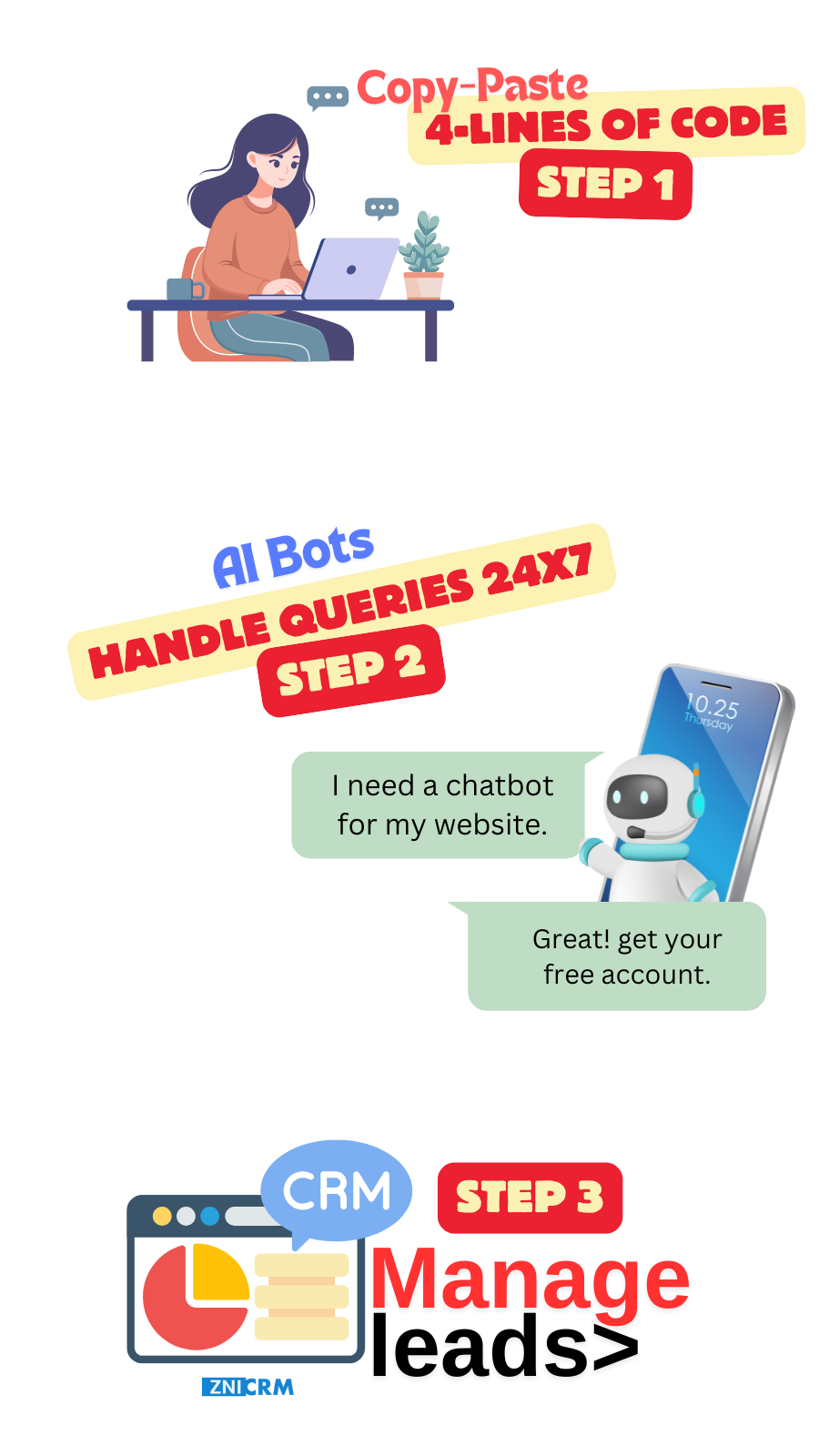
Copy one script, paste it once, and your chatbot works across the site.

1
Create account
Create a free account on ZNI AI Chatbot.
2
Add domain
Add your website domain and choose where the widget should appear.
3
Copy embed code
Use your CMS header/footer injection method to paste the script once.
4
Train answers
Train on your pages and FAQs so the bot answers accurately.
5
Publish
Publish and start capturing conversations immediately.

CMS-friendly setup with full capability

Install quickly while keeping the same AI, CRM, and support features across platforms.

Install without rebuilding pages

Whether you call it a wordpress AI chatbot plugin or a simple embed, the goal is the same: add the widget once and manage everything centrally.

  • Script-based embed
  • No theme rebuild
  • Works across CMS platforms
NLU Chatbot

Match your website brand

Customize colors, avatar, and welcome messaging so the experience feels native to your site.

  • Brandable UI
  • Flexible welcome messages
  • Consistent tone
Personalization

Works sitewide once embedded

Once embedded, the widget can appear across landing pages, blogs, and help pages without repeating setup.

  • Sitewide deployment
  • Instant answers
  • Escalation to humans
24/7 Availability

Support diverse audiences

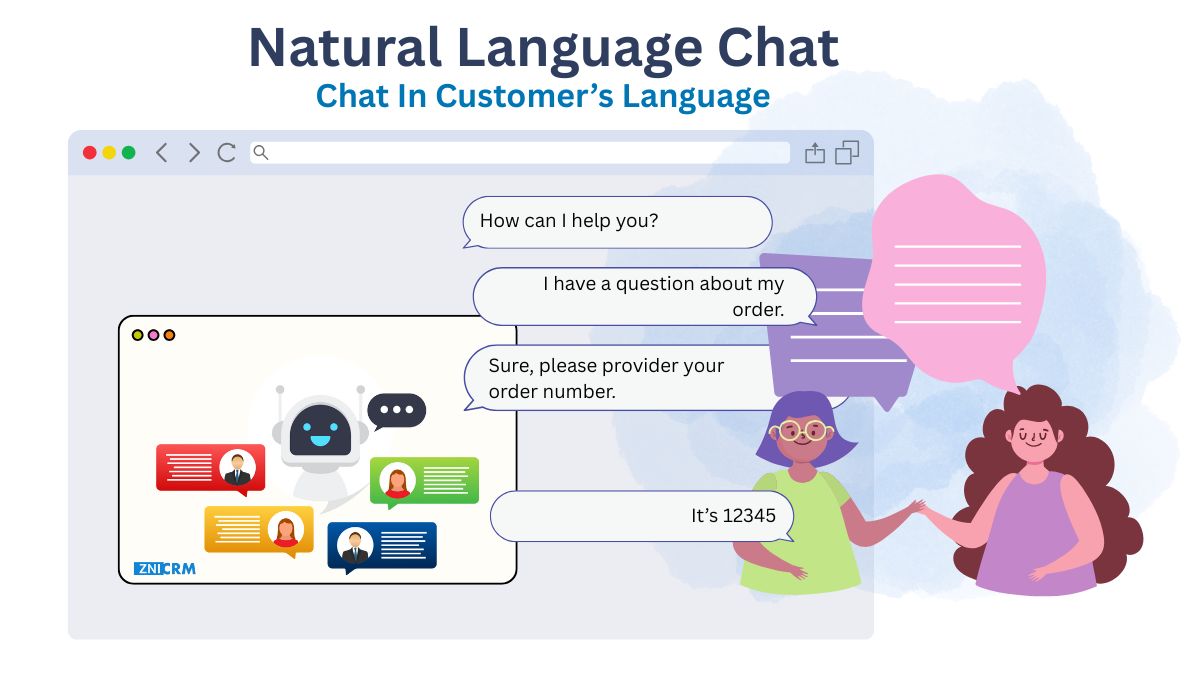
Auto-detect language and provide multilingual replies to reduce drop-offs.

  • Language detection
  • Multilingual replies
  • Mixed-language handling
Multi-Language Support

Add the chatbot to your CMS—keep everything unified

Once installed, conversations, contacts, and support workflows live in one dashboard.

Website chat that installs cleanly on CMS platforms

Add the widget to your site builder and keep your pages fast and consistent.

AI Chatbot

WordPress embed options

Add via header/footer scripts or site-wide injection methods.

Wix setup

Use ai chatbot for wix embeds without redesigning your Wix pages.

Webflow setup

Use ai chatbot for webflow embeds and publish across your site.

Squarespace setup

Use ai chatbot for squarespace embeds in header/footer and go live quickly.

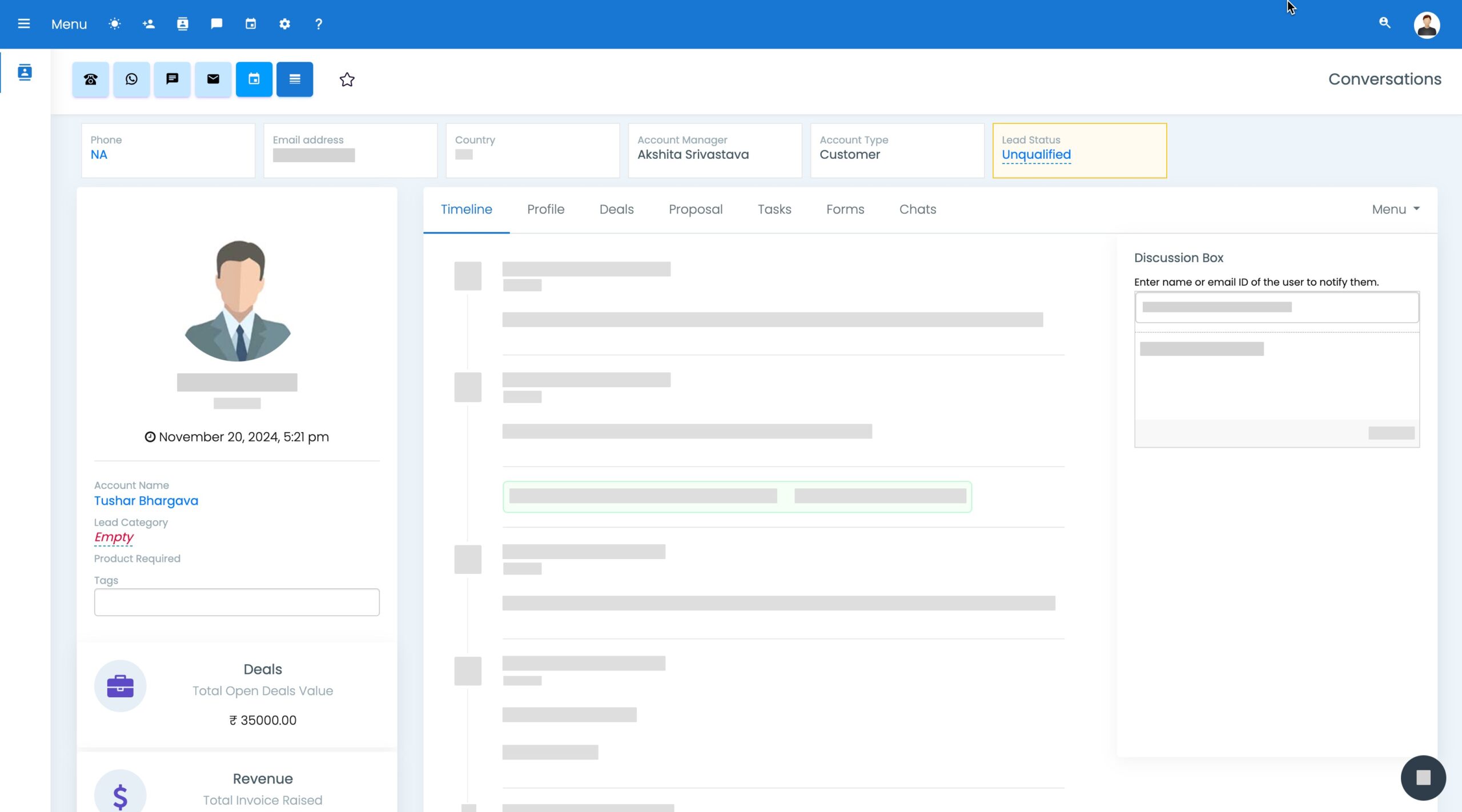
CRM View

Single view for every conversation and lead

No matter which CMS you use, your chat history and follow-ups stay organized per contact.

Route inquiries to the right team member and keep response time fast.

Built-in CRM that captures every CMS chat

Turn chats into contacts, track intent, and follow up automatically.

CRM Interface

Unified timeline

Keep chats and follow-ups attached to contacts.

Lead capture

Create contacts automatically when visitors engage.

Pipeline automation

Move deals and tasks based on chat outcomes.

Reporting

Track engagement and conversions across pages.

Engage widgets that work with your CMS

Use banners and prompts on key pages to capture more conversations without plugins sprawl.

Engage Tools

Exit-intent prompts

Capture leads before visitors leave key pages.

Offer bars

Promote discounts or consults sitewide.

Personalized messaging

Tailor prompts based on page context.

Analytics

See which pages and prompts perform best.

Avoid plugin sprawl and extra subscriptions

Keep chat, CRM, and support workflows in one place instead of stitching multiple plugins together.

CRM
CRM

Capture and track leads without extra connectors.

Invoicing
Invoicing

Send quotes or invoices when needed.

Ticketing
Help Desk & Ticketing

Support workflows without extra systems.

Automation
Marketing Automation

Trigger follow-ups based on chats and tags.

Why ZNI is CMS-friendly

Quick embed, brandable widget, and full workflows—regardless of your website builder.

Why ZNI

Simple installation

Add one script and publish—no layout changes required. Learn more

Works across builders

Suitable for WordPress, Wix, Webflow, and Squarespace. Learn more

CRM + ticketing included

Keep conversations and follow-ups together. Learn more

Affordable path

Start free and expand when you need more. Learn more

Fast support

Escalate to humans with full context. Learn more

CMS integration FAQs

Common questions about WordPress, Wix, Webflow, and Squarespace setups.

You can install via a script embed; if you’re looking for a chatbot plugin for wordpress website installs, many setups use header/footer injection or script management plugins to add it sitewide.

Yes. You can embed the widget using Wix’s script/embed options without redesigning pages.

Yes. Add the script in site settings (header/footer) and the widget will load across pages.

No. Most CMS users can paste the embed snippet once and publish.