CRM + Helpdesk: Built In (No Extra Seats)

AI chatbot with CRM and helpdesk that turns chats into tickets and pipeline actions

Every conversation becomes structured work: create contacts automatically, tag intent, open tickets, assign owners, and track outcomes in one timeline.

AutoTicket creation
UnifiedContact timeline
Real-timeReporting
Free plan available • No live-chat seat fees • Fast install
Contact created
Ticket opened

ZNI Support + Sales Bot

Logs + routes instantly
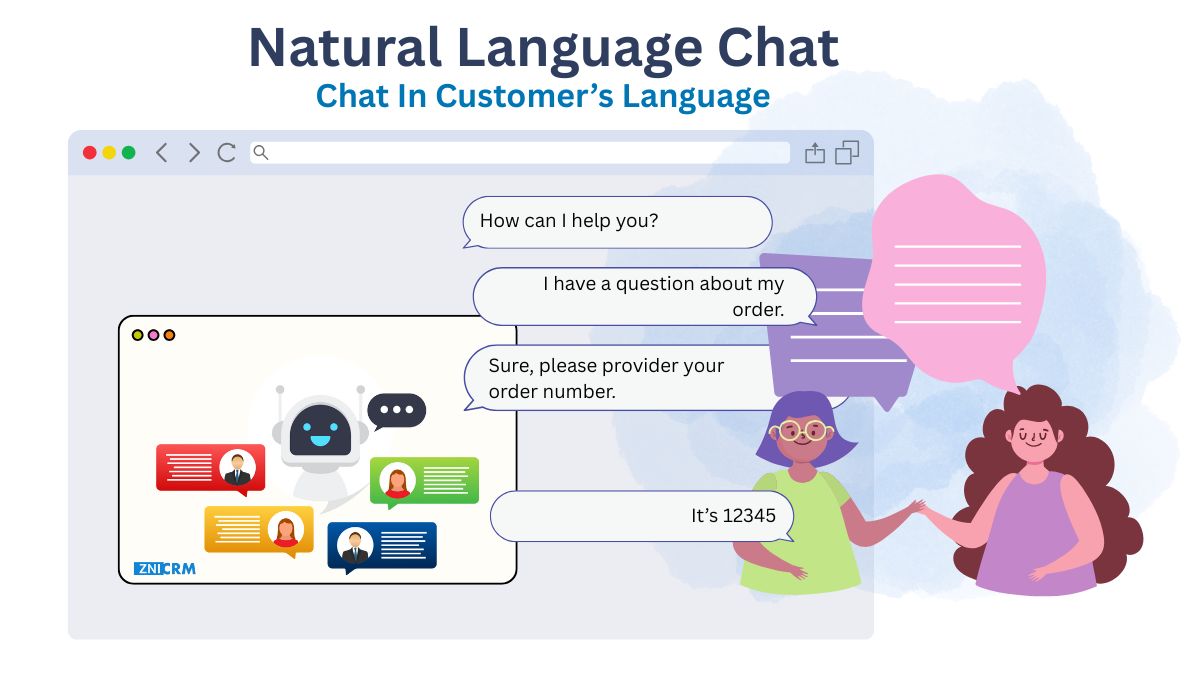
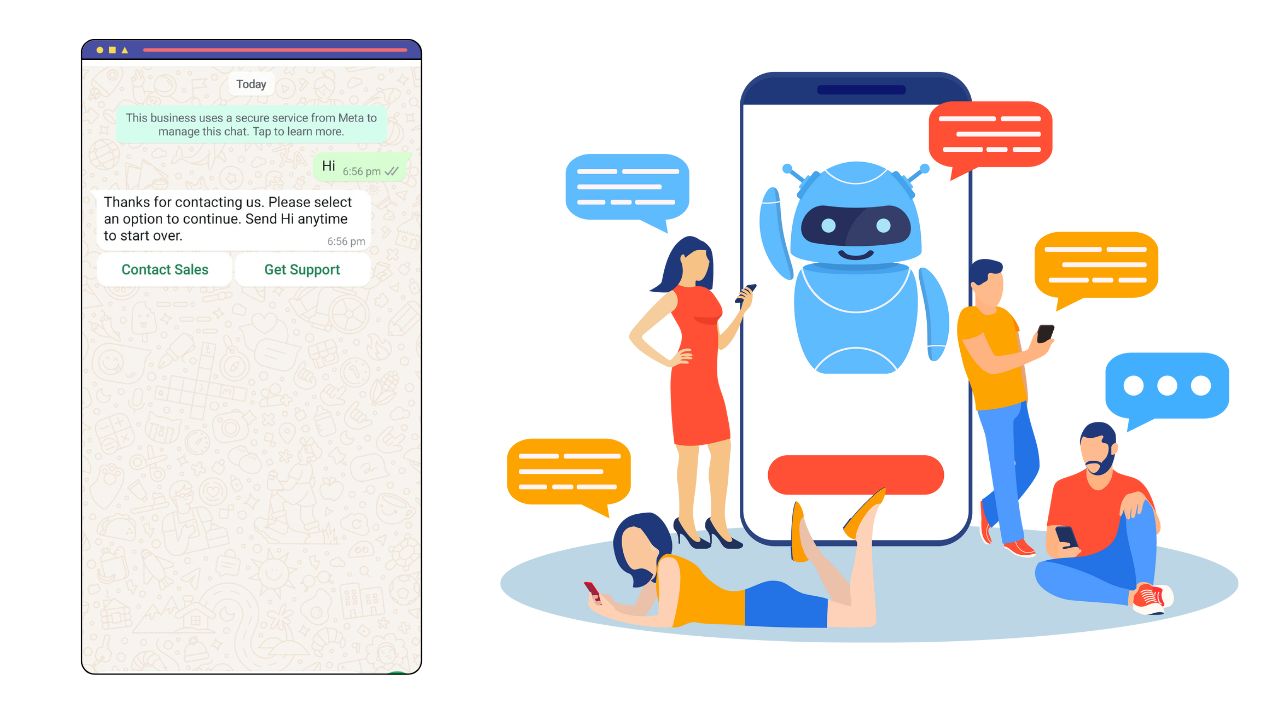
Hi! Are you looking for support, or do you want to talk to sales?
Support—my issue needs a ticket.
Got it. I’ll capture details and create a ticket with the full chat history.
Create support tickets automatically from chat
Log leads directly into CRM from conversations
Tag leads by intent for faster routing
Pipeline task automation from chat outcomes
Dashboards for CRM reporting and forecasts

Connect chat to CRM + helpdesk in minutes

Set routing rules, ticket categories, and contact fields—then publish the widget.

1
Create account
Create a free account on ZNI AI Chatbot.
2
Add domain
Connect the website where visitors start chats.
3
Set routing
Choose when chats create leads, tickets, or both—and set assignment rules.
4
Train answers
Train the bot on your knowledge base and policies for accurate answers.
5
Install script
Embed the script and start capturing structured CRM and ticket data.

From conversation to resolution—without tool-hopping

Keep context from the first message to the final outcome, with CRM + helpdesk in the same system.

Route by intent, urgency, and topic

Detect whether a visitor needs sales, onboarding, or support—and route the conversation to the right workflow.

  • Intent-based routing
  • Urgency detection
  • Cleaner handovers
NLU Chatbot

Personalize replies using CRM data

Use known customer context (plan, status, prior issues) so replies are faster and more accurate.

  • Context-aware replies
  • Fewer repeated questions
  • Better customer experience
Personalization

Create tickets and escalate when needed

When the bot can’t confidently resolve, it creates a support ticket and hands over to a human agent with context.

  • Ticket creation
  • Escalation to human agent
  • Full chat history included
24/7 Availability

Serve customers across languages consistently

Auto-detect languages and keep support quality consistent for global audiences.

  • Language detection
  • Multilingual replies
  • Consistent terminology
Multi-Language Support

One platform for chat, CRM, and ticketing

Stop stitching tools together. It’s a website chatbot with built in crm plus ticketing workflows—so leads and support stay connected.

Support-first chatbot that creates structured tickets

Turn unstructured chat into a ticket with the right fields, priority, and conversation history.

AI Chatbot

Support ticket creation

Use an ai chatbot that creates support tickets when issues are complex or need follow-up.

Lead logging in CRM

Use a chatbot that logs leads in crm so every sales chat becomes a tracked contact.

Intent tagging

Use a chatbot that tags leads by intent, topic, and urgency for routing.

Human escalation

Escalates to an agent with full transcript context.

CRM View

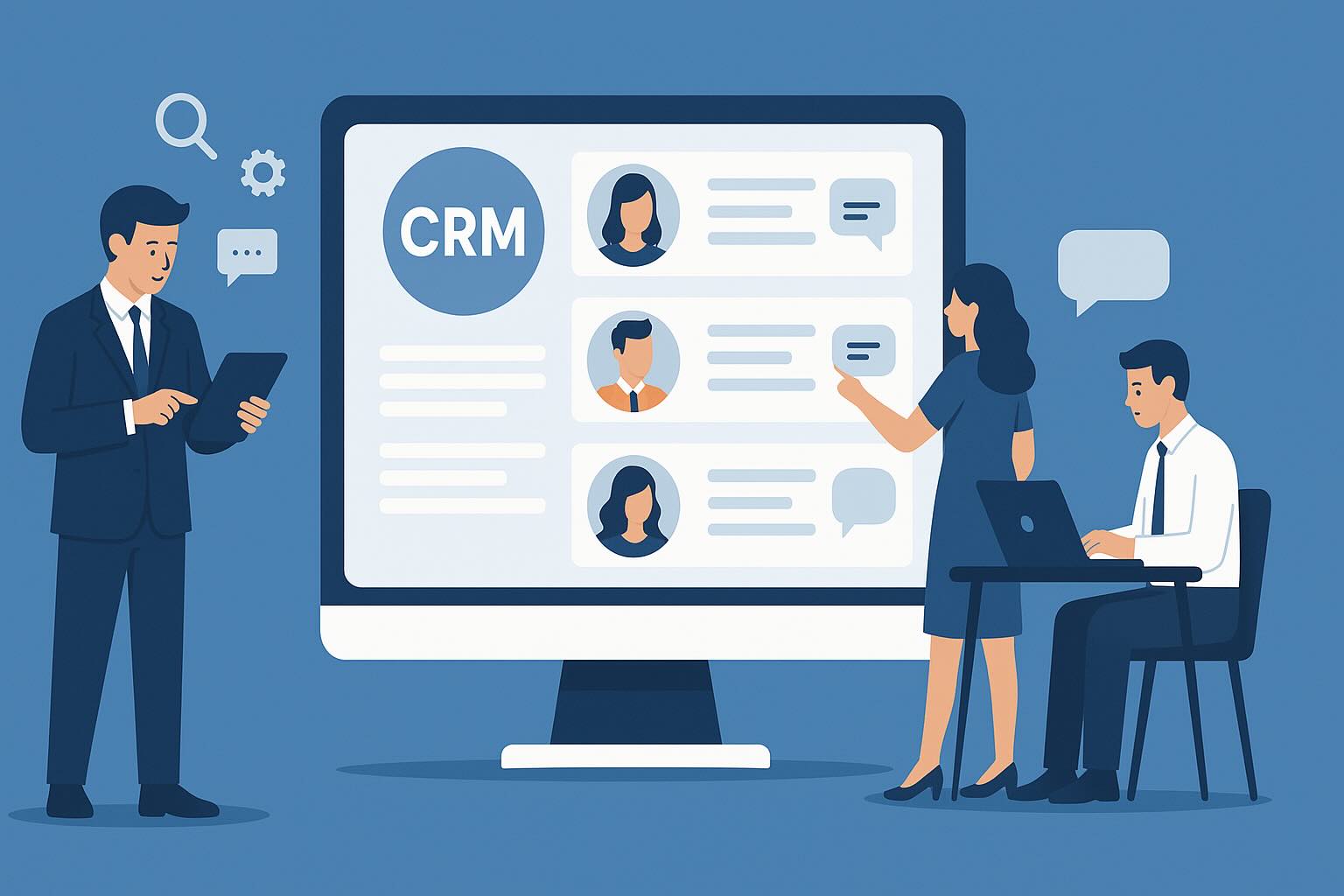
Single view for every customer conversation

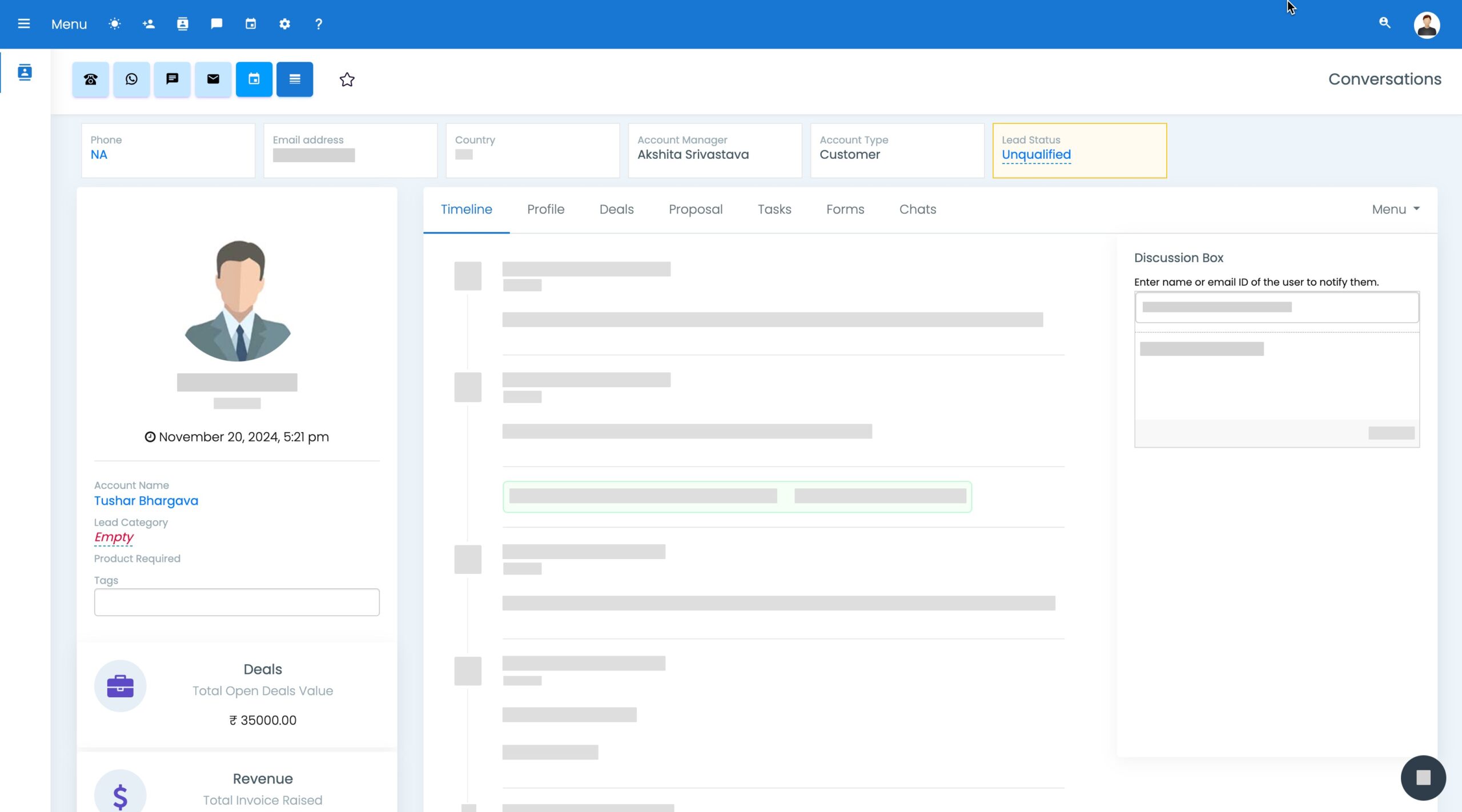
Keep chats, tickets, calls, and notes in one timeline per contact so teams collaborate smoothly.

Team-based access keeps handoffs organized across sales and support.

CRM pipeline automation powered by chat outcomes

Convert chat outcomes into next steps: tasks, reminders, stages, and owner assignment.

CRM Interface

Unified timeline

All touchpoints in one place for faster context.

Auto-create contacts

Sales chatbot that auto-creates CRM contacts from chat.

Pipeline task automation

Create tasks and move stages based on intent.

Forecasts and reporting

Use chatbot crm reporting and forecasts to track pipeline health and engagement.

Engage widgets that feed the same CRM + helpdesk

Capture leads from prompts and forms and keep everything in the same contact record.

Engage Tools

Smart forms

Collect key details and create leads automatically.

Exit-intent prompts

Capture high-intent visitors before they leave.

Offer banners

Promote upgrades or support resources contextually.

Analytics

Measure conversions and resolution metrics together.

Save on extra seats and integrations

Avoid paying separately for live chat seats, helpdesk software, CRM connectors, and automation tools.

CRM
CRM

Built-in contact and pipeline management.

Invoicing
Invoicing

Send quotes and invoices as part of your process.

Ticketing
Help Desk & Ticketing

Ticketing included for structured support.

Automation
Marketing Automation

Trigger sequences from chats, tickets, and deals.

Why ZNI is a strong CRM + helpdesk chatbot

Designed to connect chat with structured CRM records and ticket workflows.

Why ZNI

All-in-one workflow

Chat, CRM, and tickets in one platform. Learn more

Better handovers

Full context passed to the right team. Learn more

Faster follow-ups

Automated tasks and routing reduce delays. Learn more

Transparent growth path

Start free and upgrade as volume grows. Learn more

Quick install

Deploy with a lightweight script on any website. Learn more

CRM + helpdesk chat FAQs

Common questions about ticket creation, CRM logging, and reporting.

Yes. When a query needs follow-up, it can capture details and create a ticket with the full chat context.

Yes. Conversations can auto-create contacts and store chat history in a single timeline.

Yes. You can tag conversations by topic, interest, or urgency to route and prioritize follow-ups.

Yes. Dashboards can show pipeline health and engagement so teams can forecast and optimize.