Appointments: Qualify + Schedule + CRM

AI chatbot for appointment booking on website that schedules demos and consults

Turn high-intent visitors into booked meetings. Qualify first, capture details, then book the right call—while logging everything into your CRM.

24/7Booking capture
LessBack-and-forth
FasterTime-to-meeting
Free plan available • No live-chat seat fees • Fast install
Slot confirmed
Details saved

ZNI Scheduling Assistant

Books and confirms instantly
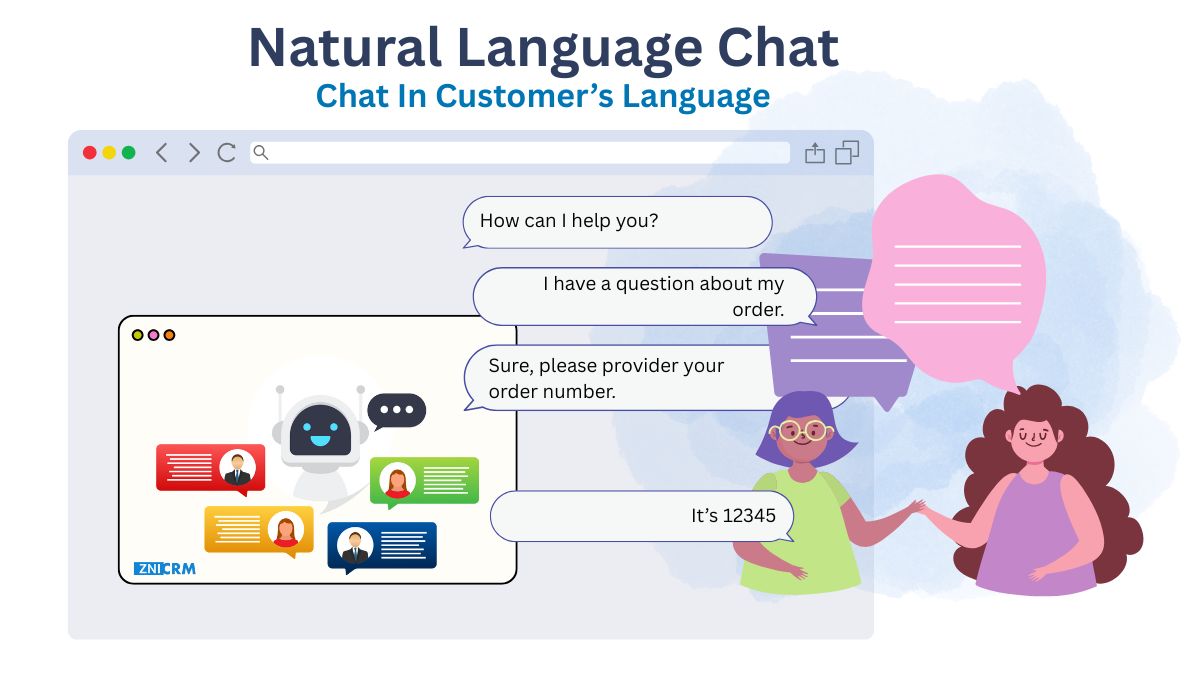
Want to book a demo or a consultation? I can help you pick the right slot.
Yes—can you book a call with your sales team?
Absolutely. I’ll confirm your details and schedule the meeting.
Qualify leads before offering time slots
Book calls with sales team and capture context
Schedule demos directly from the website
Consultation booking flows with reminders
CRM logging for follow-up and reporting

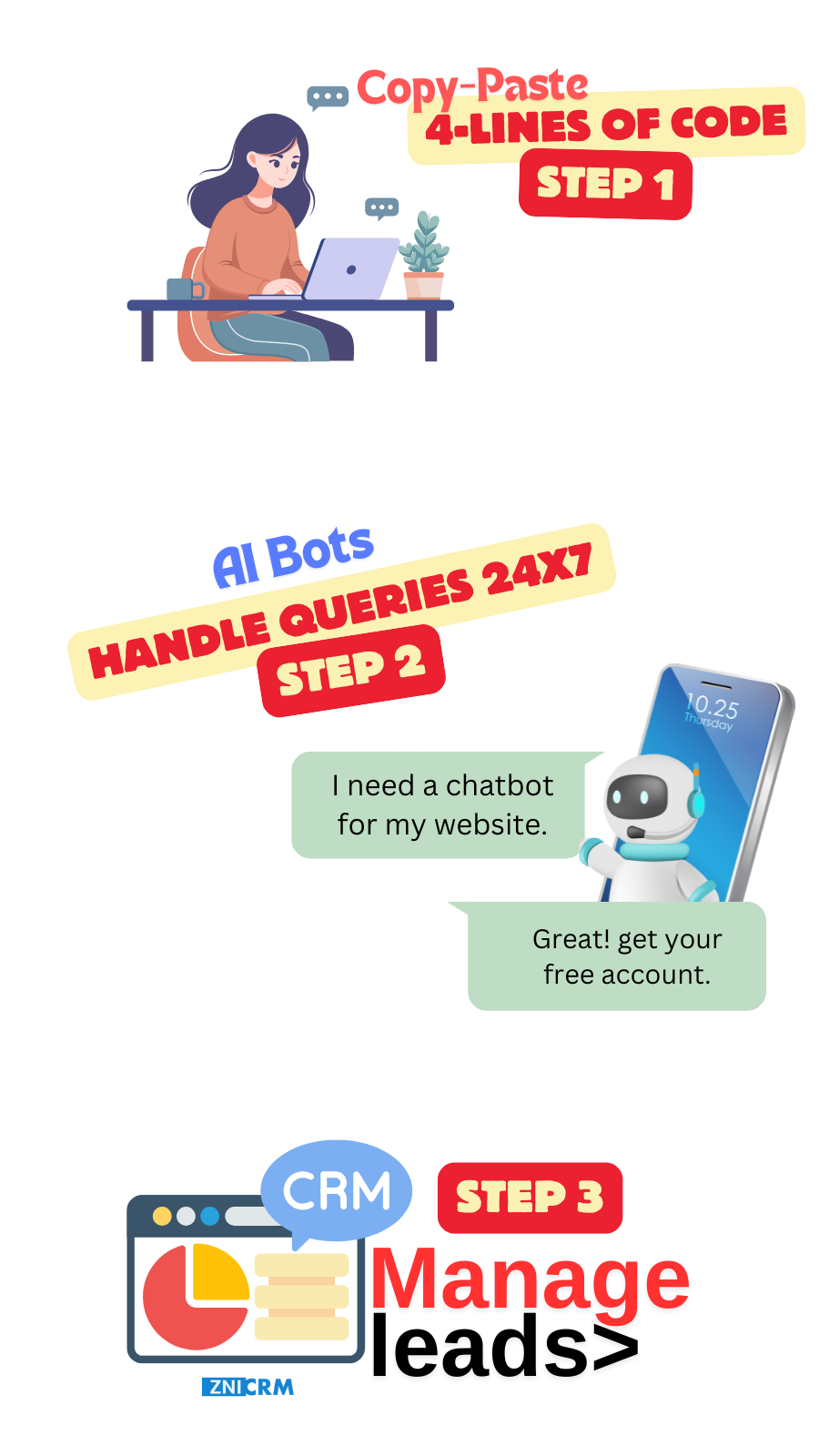
Set up booking in minutes

Define qualification questions, then embed the widget and start scheduling.

1
Create account
Create a free account on ZNI AI Chatbot.
2
Add domain
Connect the site where visitors request demos or consultations.
3
Define booking flow
Set qualification questions and the booking outcome you want (demo, consult, callback).
4
Train answers
Train on your services and policies so the bot can answer questions before booking.
5
Install script
Embed the script and start capturing bookings 24/7.

Book meetings without friction

Visitors get answers, then schedule the next step—without emailing back and forth.

Qualify the lead, then book the call

A chatbot that qualifies lead then books call reduces wasted meetings and improves close rates.

  • Qualification questions
  • Captures contact details
  • Better meeting quality
NLU Chatbot

Send prospects to the right meeting type

Route to demo, onboarding, consultation, or sales based on answers and intent.

  • Right rep or team
  • Right meeting type
  • Context included for the call
Personalization

Capture booking intent 24/7

When visitors are ready to talk, the bot captures details and schedules the next step—even after hours.

  • 24/7 booking capture
  • Instant answers before booking
  • Escalation for complex needs
24/7 Availability

Support multilingual prospects

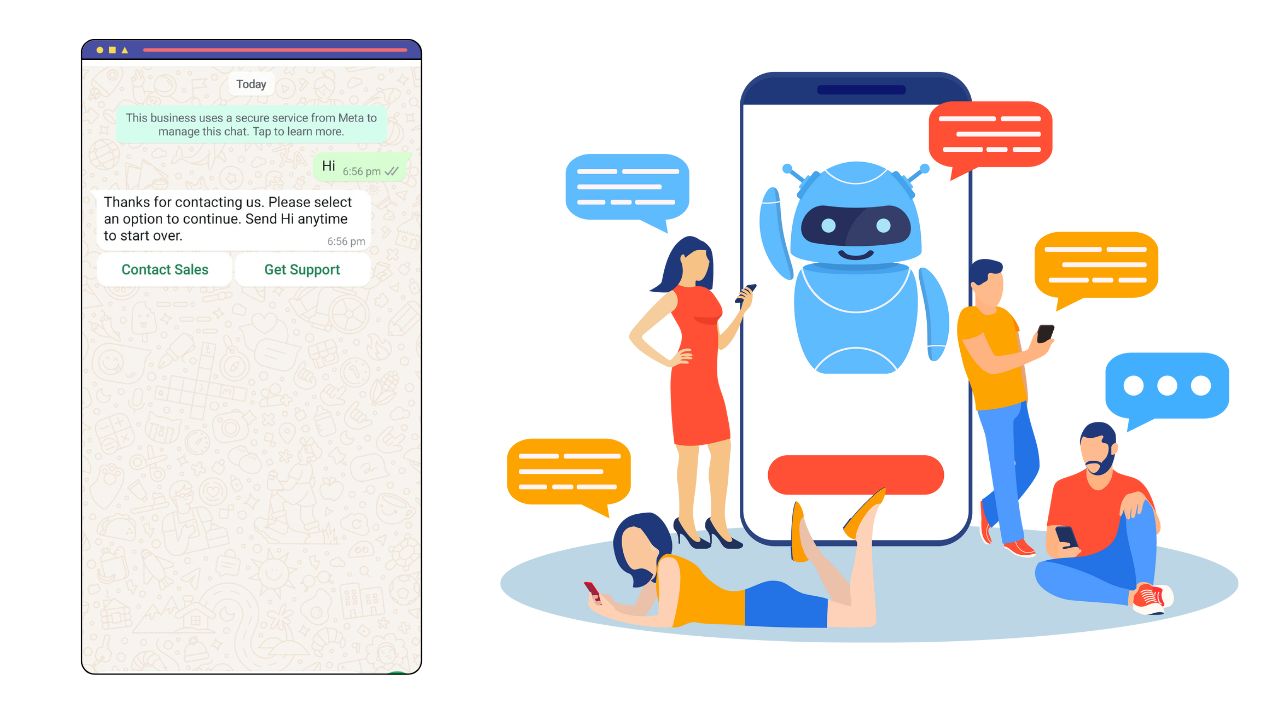
Auto-detect language so prospects can book comfortably in their preferred language.

  • Language auto-detect
  • Consistent terminology
  • Better global conversion
Multi-Language Support

From questions to booked meetings in one flow

Answer FAQs, qualify intent, and schedule the next step—then track everything in your pipeline.

Booking flows that start with real conversation

Turn visitor intent into scheduled meetings with clear qualification and follow-up.

AI Chatbot

Demo scheduling

AI chatbot to schedule a demo from website without delays.

Consultation booking

Website chatbot for consultation booking with context captured.

Sales team booking

Chatbot to book calls with sales team and log details.

Lead qualification

Qualify before booking so your team spends time on the right leads.

CRM View

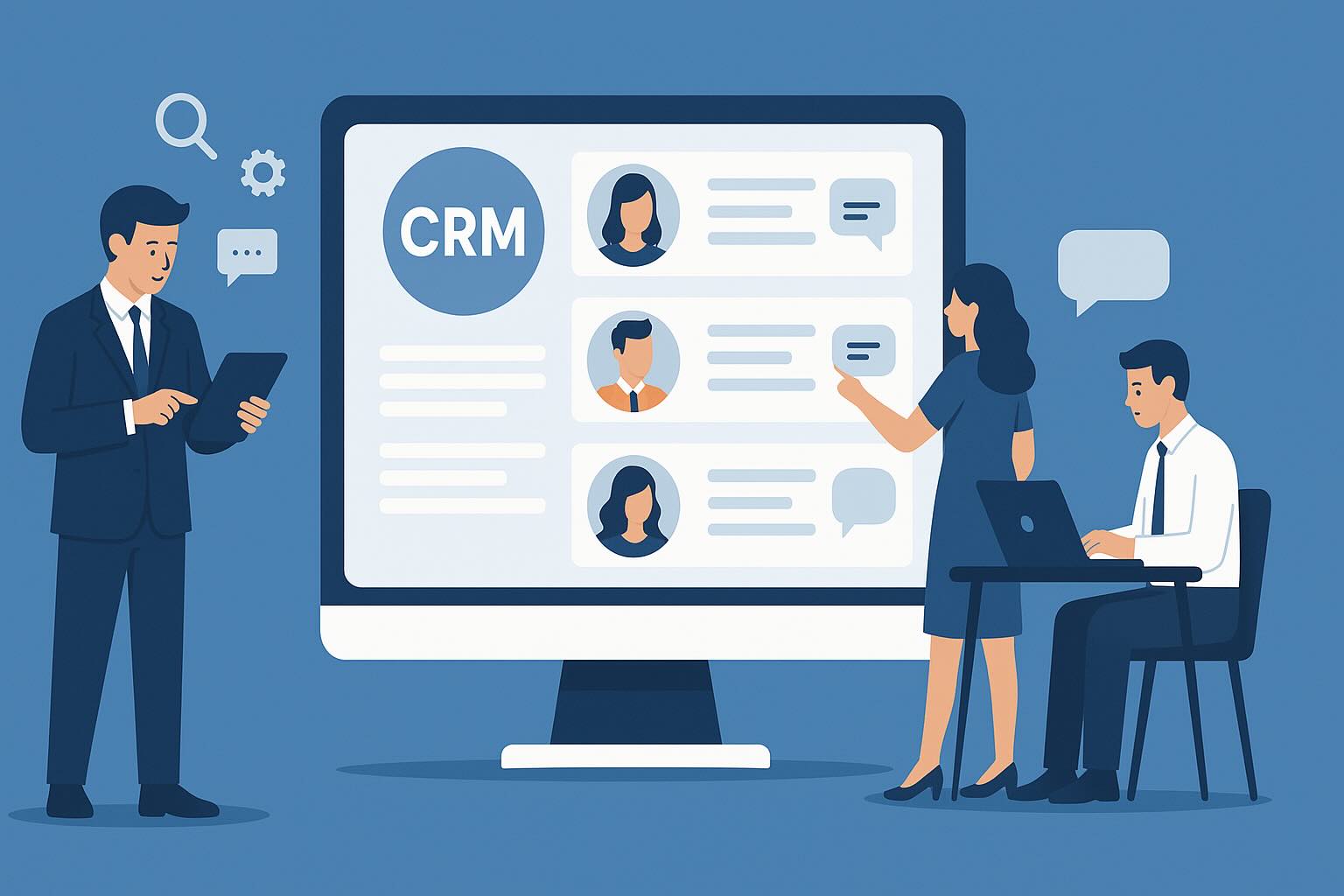
Single view of every booking request

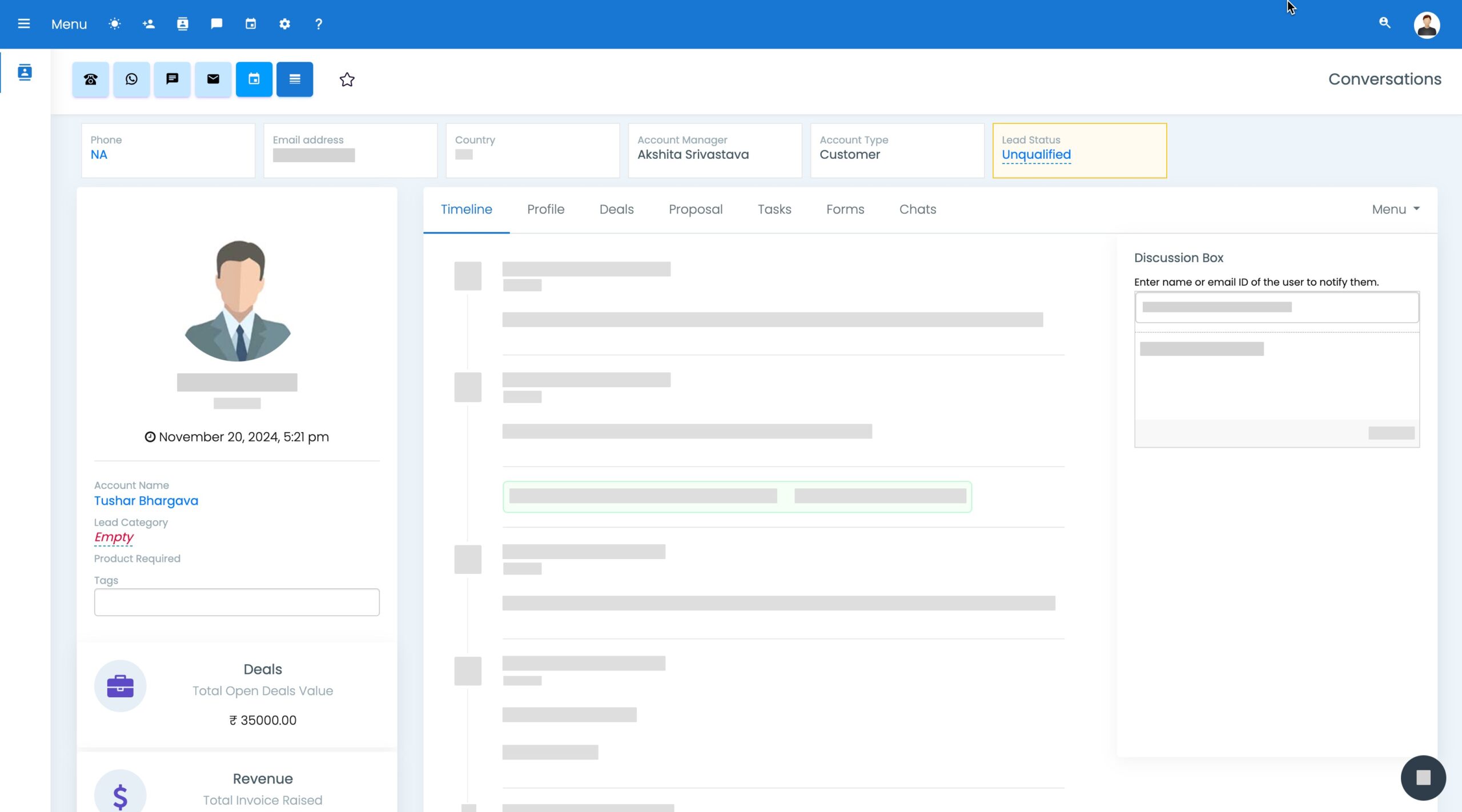
Keep chat context, meeting details, and follow-ups tied to the same contact record.

Reduce no-shows with clear confirmation and structured follow-up.

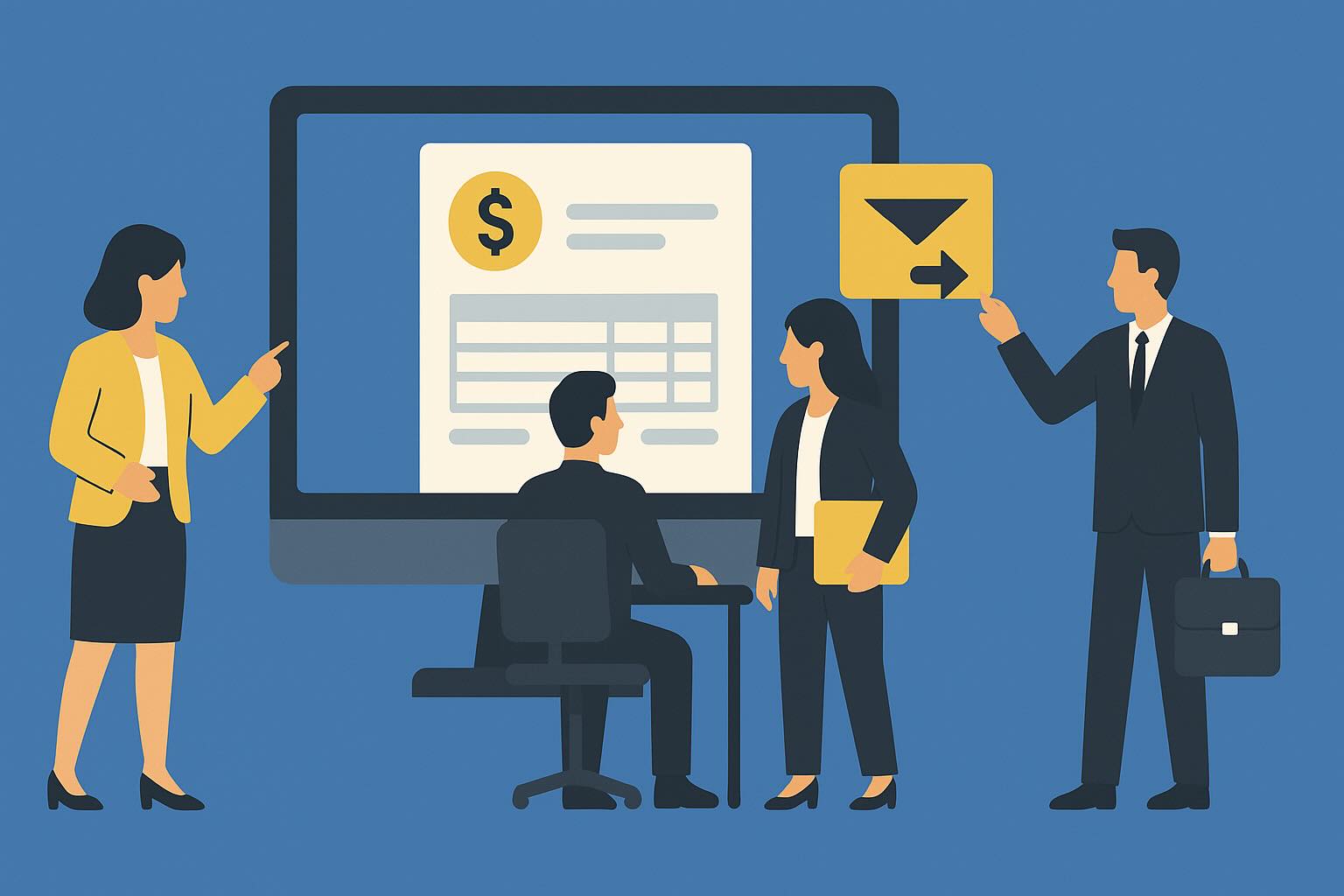
CRM pipeline for booked meetings and follow-ups

Track outcomes and automate next steps after meetings so opportunities don’t stall.

CRM Interface

Conversation timeline

See chats and meeting context per contact.

Auto-create contacts

Create CRM contacts automatically from booking flows.

Tasks and reminders

Create tasks after booking for faster preparation.

Reporting

Track booking volume and conversion rates over time.

Engage widgets that drive more bookings

Use prompts and offers on key pages to capture appointment intent at the right moment.

Engage Tools

Exit-intent booking prompt

Offer a call when a visitor is about to leave.

Smart banners

Promote demos, consultations, or audits.

Personalized messaging

Match prompts to page intent and visitor behavior.

Analytics

See which pages and prompts generate booked meetings.

Save time and cost on scheduling workflows

Avoid paying for extra chat seats, connectors, and manual booking coordination across tools.

CRM
CRM

Capture bookings directly into your pipeline.

Invoicing
Invoicing

Send proposals and invoices when needed.

Ticketing
Help Desk & Ticketing

Create tickets for onboarding or support needs after booking.

Automation
Marketing Automation

Run follow-ups after demos or consults automatically.

Why ZNI works for scheduling use cases

Designed to qualify, schedule, and track outcomes with CRM included.

Why ZNI

Higher-quality meetings

Qualification reduces low-fit bookings. Learn more

Faster response time

Instant answers and booking capture improve conversion. Learn more

CRM included

All meeting context lives with the contact record. Learn more

Affordable path

Start free and expand as volume grows. Learn more

Quick install

Embed in minutes without redesigning your site. Learn more

Appointment booking chat FAQs

Common questions about scheduling demos, booking calls, and qualification.

Yes. It can capture details and guide visitors into a booking flow for demos, consults, or callbacks.

Yes. You can ask qualification questions and route only the right leads to scheduling.

Yes. It can route by team or service and pass context into the scheduled meeting.

Yes. Booking details and chat context can be stored in a contact timeline for follow-up.