AI website chatbot + CRM + Helpdesk (from $5/mo)

Alternatives to Tars for AI website chat

Leverage Conversational AI Agents to automate customer support and lead generation. Automate customer support, qualify leads, and scale conversations with ease. ZNI is built for teams that want AI web chat plus CRM + ticketing—especially for Customer experience automation that fits your needs and IT Support Agent workflows—without seat-stack surprises.

$5/moBaseline price
2 minInstall time
24/7AI replies
Lower total cost • CRM + Helpdesk included • Lightweight script
Lead Captured
Ticket Created

ZNI Support Bot

Typically replies instantly
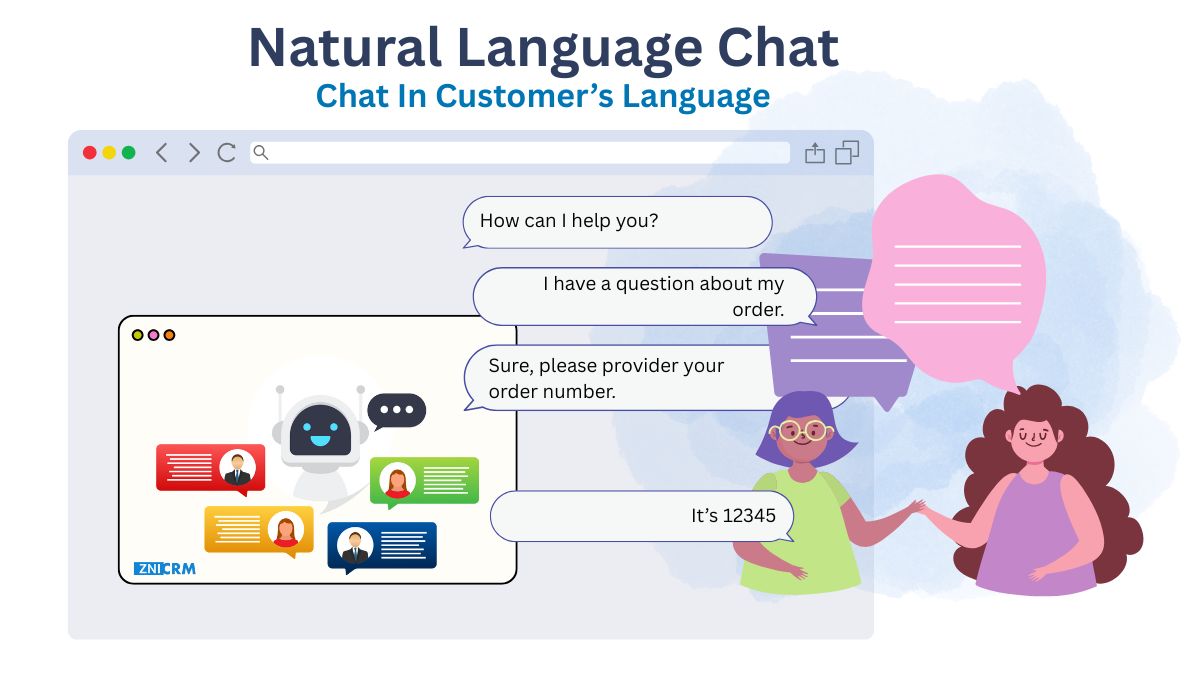
Hi there! 👋 Want 24/7 website chat that captures leads?
Yes—can it create tickets automatically?
I can answer FAQs, capture leads, and route Live Chat support issues to humans automatically! 🚀
Answer repetitive questions (e.g., Customer experience automation that fits your needs) without delays
Lead capture + qualification with fields you choose
Create tickets automatically so nothing gets lost
Multi-language chat for diverse audiences
Works across your website with a lightweight script

Quick verdict

Segment: Enterprise • Pricing signal: Contact sales • ZNI baseline: $5/mo

Best for (Tars)

Teams that value ai agents and it support agent.

Best for (ZNI)

SMBs that want an AI website chatbot with CRM + Helpdesk built-in at $5/mo.

Pricing snapshot

Contact sales vs ZNI at $5/mo.

CRM + Helpdesk included

If you want CRM+Helpdesk included without stacking seat fees, pick ZNI.

Competitor snapshot (from public info)

A quick snapshot from public materials (good checklist for your evaluation):

Target segment: Enterprise

Pricing note: Contact sales. Pricing is typically quote-based / negotiated.

On the ZNI side, you get a $5/mo baseline plus CRM + Helpdesk included—designed to reduce add-ons and seat stacks.

Highlighted feature

AI Agents

Core capability

IT Support Agent

Core capability

Live Chat support

Highlighted feature

Training limit of 5 Knowledge Bases

Highlighted feature

Training limit of 20 Knowledge Bases

Highlighted feature

AI Agent Marketplace Tailored to Your Needs

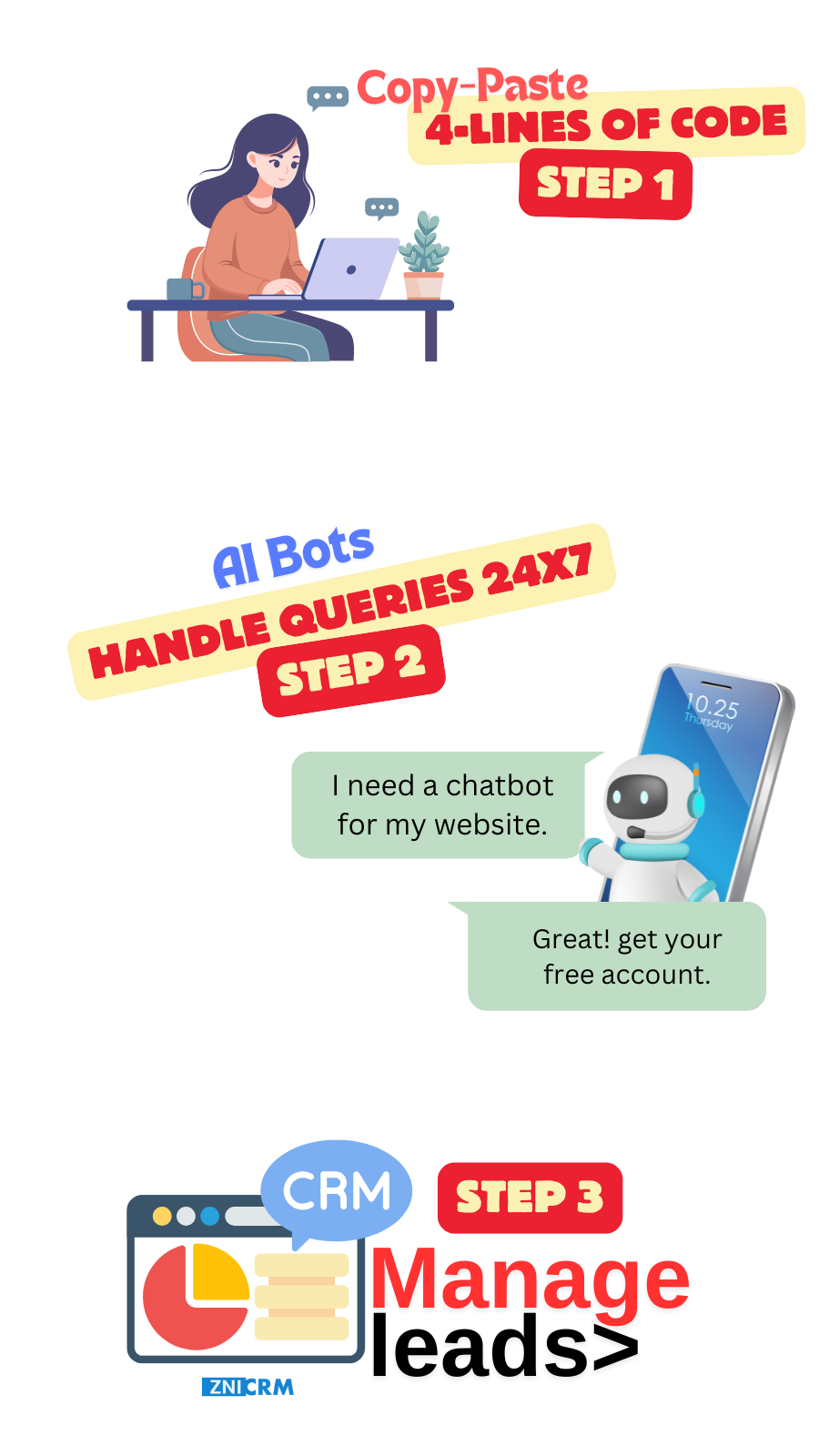
Launch a better-value chatbot in minutes

Connect your website, set a goal, and publish a script—then keep IT Support Agent and Live Chat support context in CRM + tickets.

1
Create account
Start by creating your ZNI AI Chatbot account.
2
Add your site
Add your domain so the bot can learn content like Professional support services and Customer experience automation that fits your needs.
3
Pick your goal
Set role (sales/support), tone, and what success looks like for your team.
4
Train on content
Train on your public pages and docs so answers about Professional support services stay accurate.
5
Install script
Copy-paste a lightweight script and publish—no heavy engineering work.

AI answers + lead capture (without delays)

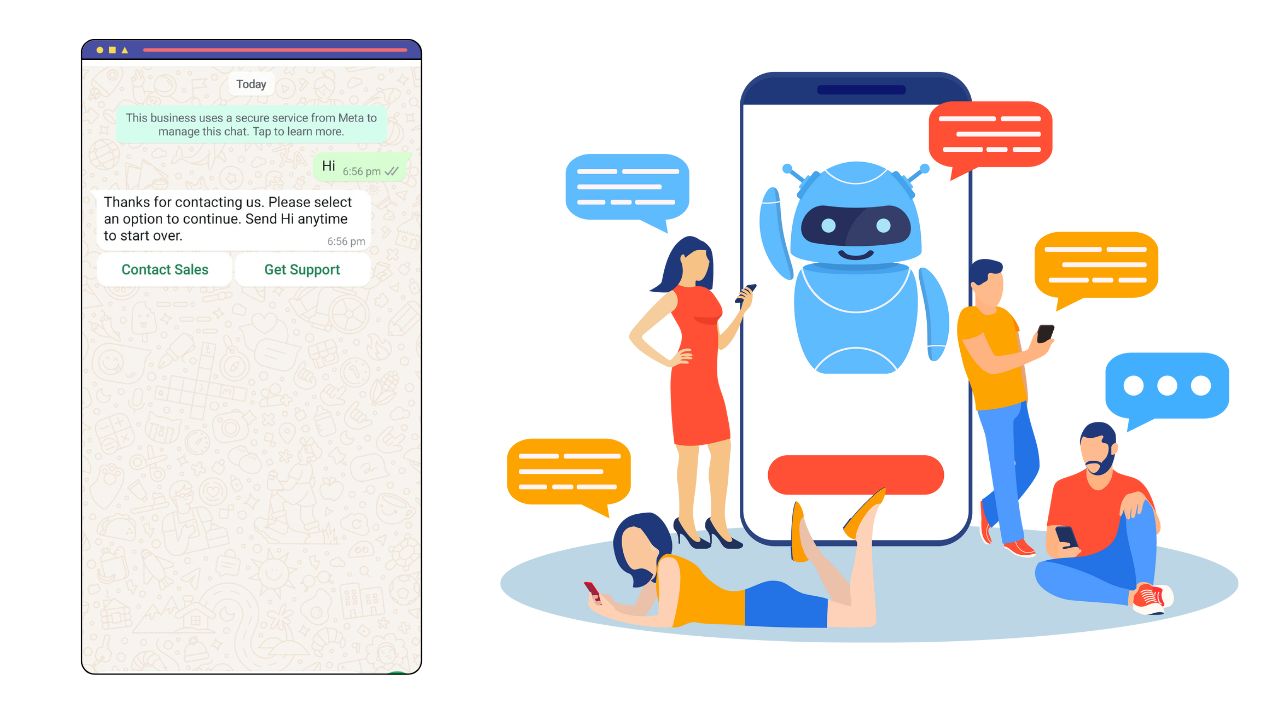
Reduce wait time by answering routine questions automatically, while keeping a clear handover path.

Understands intent and context (not scripts)

Keep conversations coherent across multiple turns, even for Customer experience automation that fits your needs-type questions.

  • Understands intent and context for questions like Professional support services
  • Handles follow-ups and clarifications about Customer experience automation that fits your needs
  • Keeps context across multiple messages (e.g., Professional support services)
NLU Chatbot

Personalize replies to qualify faster

Personalize replies using captured fields and tags, then guide users toward IT Support Agent or a demo.

  • Uses captured fields and tags to personalize IT Support Agent replies
  • Adapts tone for sales vs support
  • Suggests next steps: demo, pricing, or a Live Chat support handover

Personalization

24/7 answers + human handover

Answer routine FAQs instantly, then route edge cases into ticketing with Live Chat support details attached.

  • Instant answers from your website content for Customer experience automation that fits your needs
  • Escalate to humans when Live Chat support needs review
  • Auto-create a ticket so IT Support Agent follow-ups aren't missed

24/7 Availability

Speak Every Customer’s Language

Serve customers in multiple languages while keeping responses consistent with your policies.

  • Detects and responds in the visitor’s language
  • Handles mixed-language messages
  • Keeps meaning consistent across languages

Multi-Language Support

Lower total cost with an all-in-one setup

Reduce complexity: web chat + CRM + ticketing together, so your team works from one timeline for IT Support Agent.

Side-by-side comparison table

Use this checklist to compare fit (Enterprise) and starting pricing signals (Contact sales).

Feature Tars ZNI AI Chatbot
Website chat widgetYesYes
AI answers / knowledge botYesYes
Lead capture & qualificationYesYes
CRM includedYesYes (built-in)
Helpdesk/ticketing includedYesYes (built-in)
WhatsApp or multichannelYesYes (varies by setup)
Appointment booking / meeting schedulingYesYes
Automation / workflowsYesYes
Pricing starting pointContact sales$5/mo
Best fitEnterpriseSMB (value-focused)

Public feature signals

Highlights pulled from publicly accessible pages (see Sources at the bottom). Use these as a checklist and validate them in your trial.

Turn ideas into AI Agents in no time

Verify the knowledge sources, accuracy, and when the bot hands over to a human.

AI Agents for every customer conversation

Verify the knowledge sources, accuracy, and when the bot hands over to a human.

Customer experience automation that fits your needs

Test routing rules and workflows end-to-end with real chats.

Professional support services

Confirm how tickets are created, assigned, and tracked (and whether transcripts are attached).

American Express automated 49.3% of conversations using…

Verify the knowledge sources, accuracy, and when the bot hands over to a human.

Netflix used our AI Agent to successfully launch a…

Verify the knowledge sources, accuracy, and when the bot hands over to a human.

Citizen Service Agent

Verify this capability during your trial.

IT Support Agent

Confirm how tickets are created, assigned, and tracked (and whether transcripts are attached).

Hospital Lobby Navigation Agent

Verify this capability during your trial.

AI web chat that reduces support load

Answer FAQs instantly, qualify leads for IT Support Agent, and ensure complex requests reach the right person with full context.

AI Chatbot

Instant FAQ answers

Responds with grounded answers from your pages and docs, including Professional support services.

Lead capture

Creates a contact record automatically so follow-ups don’t get missed.

Human handover

Routes complex requests to the right owner without losing the thread.

Multi-language support

Handles multi-language conversations without maintaining separate flows.

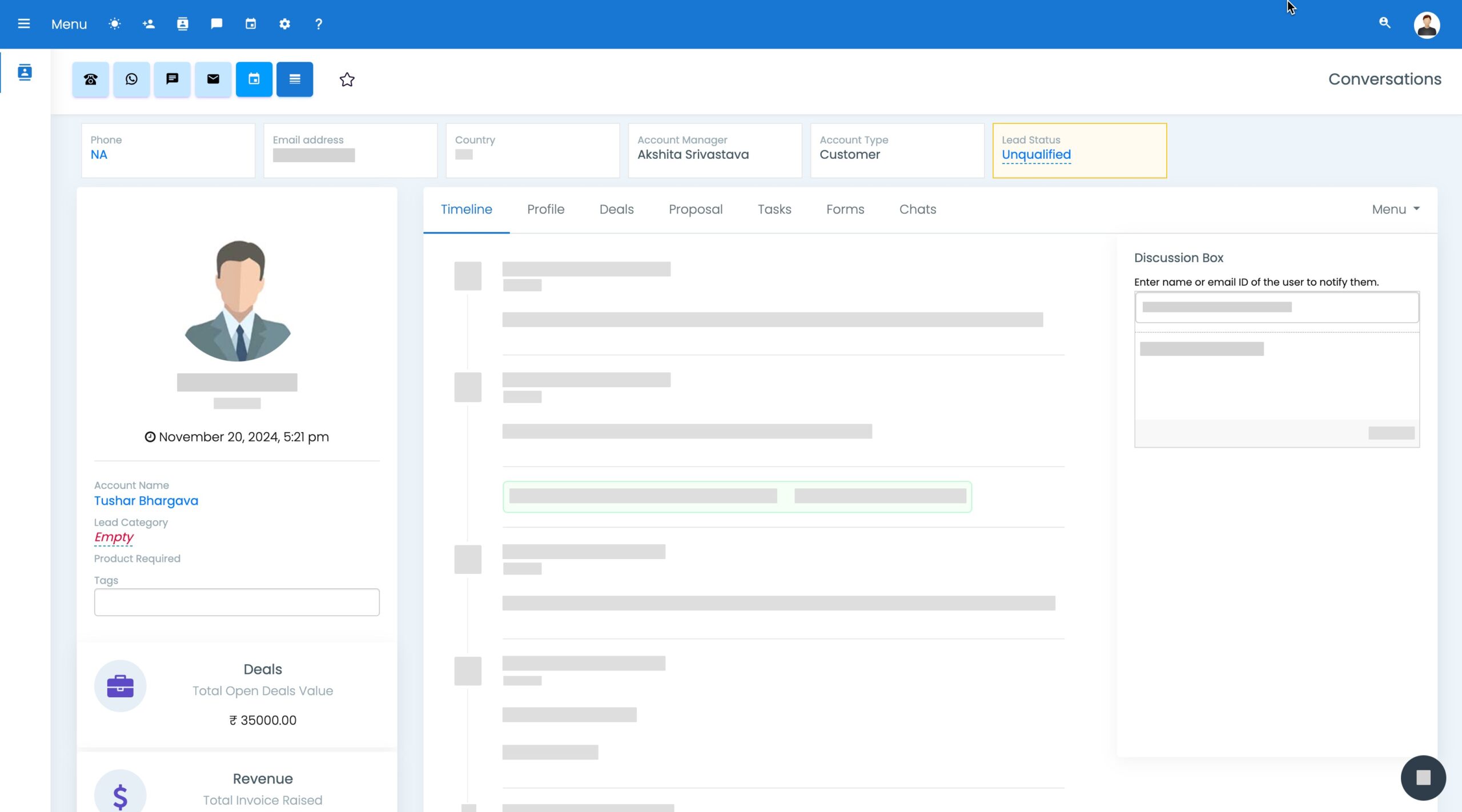
CRM View

One workspace to keep chat-to-lead organized

Keep ownership clear: every visitor, every conversation, and every follow-up in one view.

Route chats to the right owner, then follow up consistently.

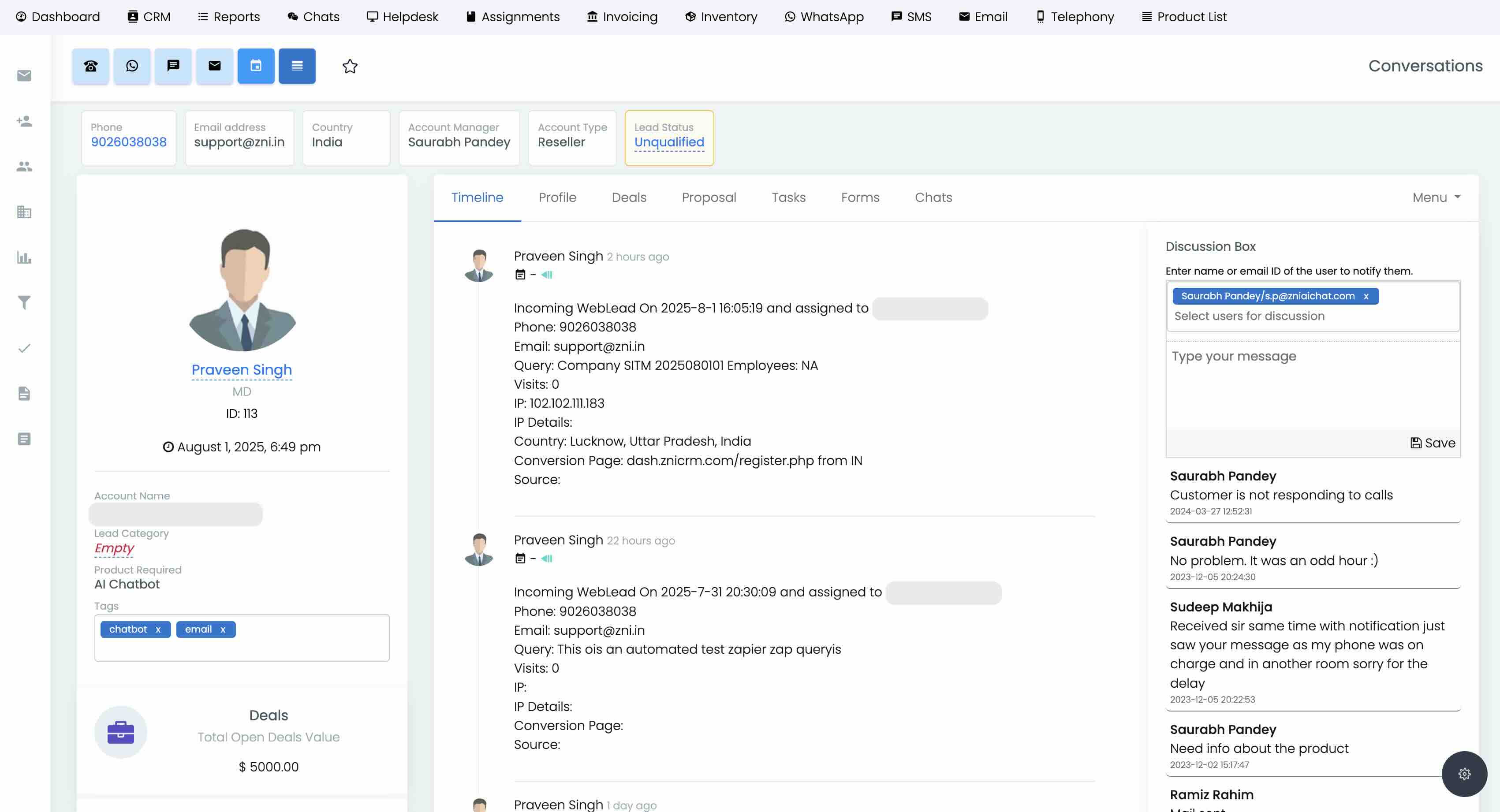
CRM + chat history in one timeline

Turn chats into tracked opportunities with assignments, follow-ups, and a unified timeline for Netflix used our AI Agent to successfully.

CRM Interface

Contact timeline

Keep every touchpoint in one place for clearer follow-ups.

Lead capture + assignment

Auto-capture details, then assign based on Live Chat support rules.

Task-driven follow-ups

Use simple workflows to keep Turn ideas into AI Agents in no follow-ups consistent.

Insights

Use dashboards to spot missed leads and slow handovers.

Conversion widgets that keep context

Capture intent with simple widgets, then record outcomes into CRM + tickets (useful for Live Chat support).

Engage Tools

Last-second capture

Use simple prompts to turn exits into leads.

Recommendations

Suggest the right plan or next step based on intent.

Upsell flows

Start sequences without requiring extra tools.

Testing + analytics

Use analytics to refine your funnel.

Avoid expensive add-on stacks

Avoid tool sprawl: keep AI answers, lead capture, and support follow-ups for IT Support Agent inside one workspace.

CRM
CRM

Store every lead and conversation in one place (including Professional support services).

Invoicing
Automation

Trigger workflows for IT Support Agent questions and intents.

Ticketing
Helpdesk

Escalate to humans while preserving chat context.

Automation
Engage tools

Capture intent with banners, popups, and offers.

Why ZNI vs Tars

If Tars is on your shortlist, verify what’s included by default vs what becomes an add-on later.

Why ZNI

Avoid tool stacking

Keep chat, contacts, and tickets together—no bolt-on stack required. Learn more

Predictable value

Avoid seat-stacking patterns that inflate cost as the team grows. Learn more

CRM + ticketing included

Log every chat to CRM and create tickets when a human needs to step in. Learn more

Lightweight setup

A lightweight script that loads fast and stays out of the way. Learn more

Faster handovers

Route to humans with full context so your team closes faster on IT Support Agent. Learn more

Top alternatives to Tars

Eight other tools you can shortlist, then compare to ZNI.

Collect.chat

A conversational AI platform often used in enterprise setups. Compare

Gladly

A lightweight chat widget used by SMB websites. Compare

Flow XO

A no-code bot builder for simple flows and forms. Compare

ManyChat

Popular live chat + support option for growing teams. Compare

Rasa

A helpdesk-first tool with automation capabilities. Compare

Freshdesk (Freshworks)

A customer messaging platform with team inbox features. Compare

Tidio

A chatbot-focused tool for quick FAQ automation. Compare

Tawk.to

An omnichannel support platform used by larger orgs. Compare

Frequently Asked Questions

Four quick answers to common comparison questions.

Yes—especially if you want fewer add-ons and faster go-live while keeping Customer experience automation that fits your needs context in CRM + tickets.

ZNI starts at $5/mo. Pricing for the other platform pricing is typically quote-based / negotiated. (signal: Contact sales).

CRM and helpdesk/ticketing are included with ZNI, so you can avoid stacking separate tools and seat-based add-ons.

Choose it if you need its specific workflows. Choose ZNI if you want a simpler stack that still handles Netflix used our AI Agent to successfully well.