
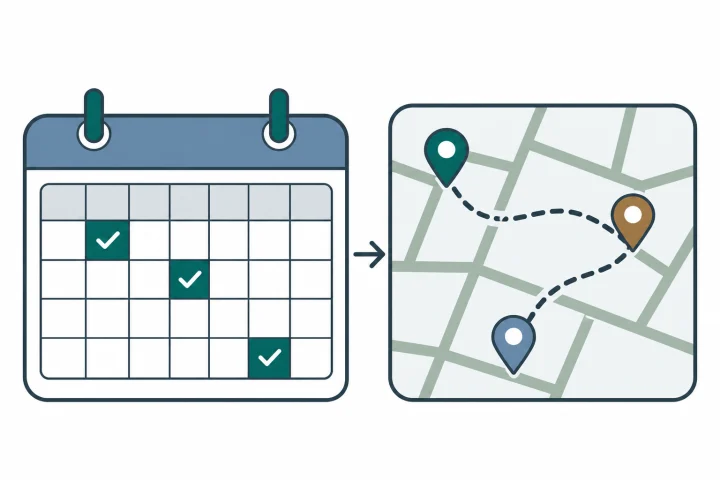
Who should visit each customer?
Give each employee a visit plan and tasks. See which visits are done and which are still pending.
See where your team is and what work is done.
With TeamSpoor, you can assign tasks, check location updates and see completed customer visits. Keep work photos, notes and attendance in one place.
Share your details. We’ll call you to show how TeamSpoor can help your team.

Who is visiting a customer? Who is travelling or stopped? Try the example below to see your team’s last location and visit details.
Choose a team member. See their last recorded location, update time and work status.
Choose a name or a pin on the map.

Follow Asha’s route on the map. Check the stops and distance when you review travel expenses.
Office
Choose a customer visit. See when the employee arrived, what they did and what to do next.
Stopped for a long time? Check the visit details before you call.

GPS location Visit notes Follow-up
Location updates need an internet connection, location access and the right phone settings.
See this in a demoAdd your team and set work hours. Explain when and why location is tracked.
Employees use the app to mark attendance and save visits and tasks.
See what is done and what is pending. Call your team when you need more details.
Chats help you talk to your team. TeamSpoor keeps each task, the person doing it and the work details together.
| The daily job | In a WhatsApp group | With TeamSpoor |
|---|---|---|
| Assign the work | Send a message saying who should do the task and where to visit. | Give each employee a task and a customer visit plan. |
| Find the visit details | Search the chat for photos, locations and replies. | Open the visit to see its photos, notes and location together. |
| Check pending work | Ask for an update and read the replies to see what is left. | Check the saved work details and the next task for each customer. |
| Check the daily report | Collect chat updates to make the day’s report. | See daily sales reports based on the work saved in the app. |
This compares using a WhatsApp group alone with using TeamSpoor for work records. TeamSpoor features depend on your plan.
Use WhatsApp to talk. Use TeamSpoor to keep work details together.
See how it worksSee when and where your team starts and finishes work. Check work hours and leave in one place before you prepare salaries.
Payroll costs extra. Other attendance and staff management features depend on your plan.
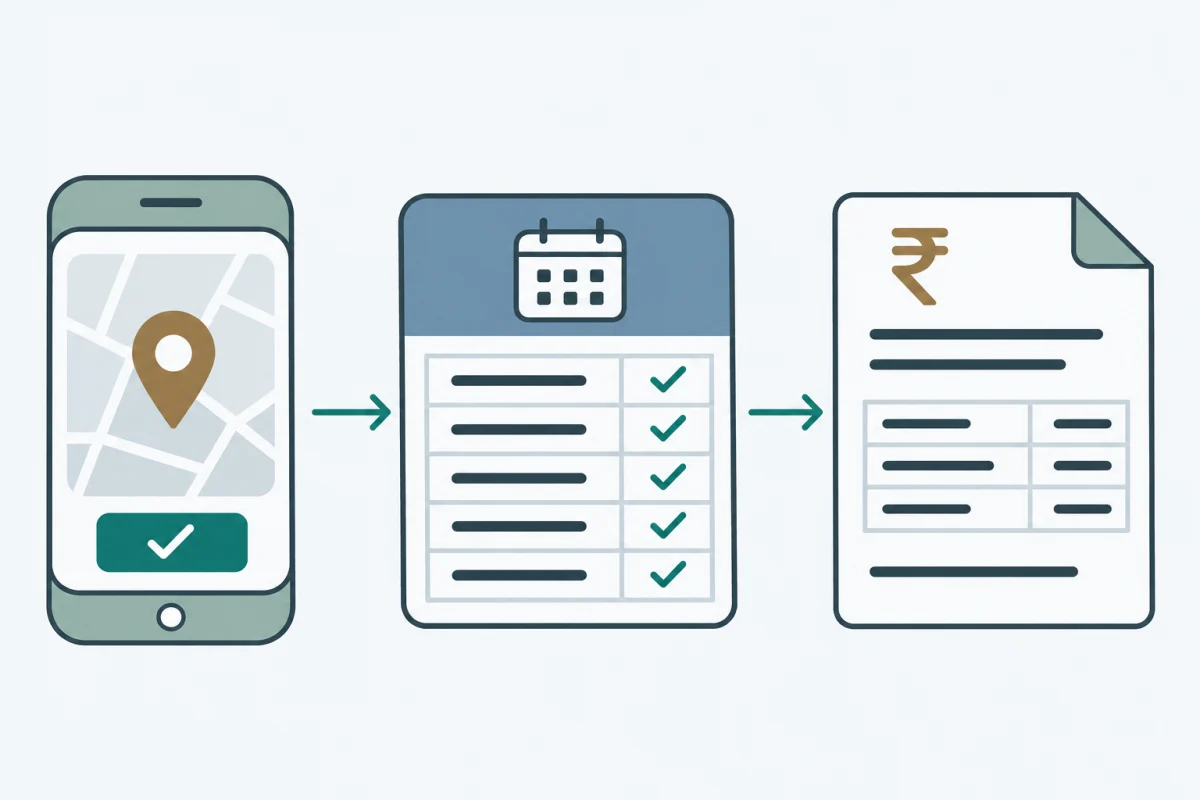
Plan the visit, save the details and check the report. Keep everything about the visit in one place.
Give each employee a visit plan and tasks. See which visits are done and which are still pending.
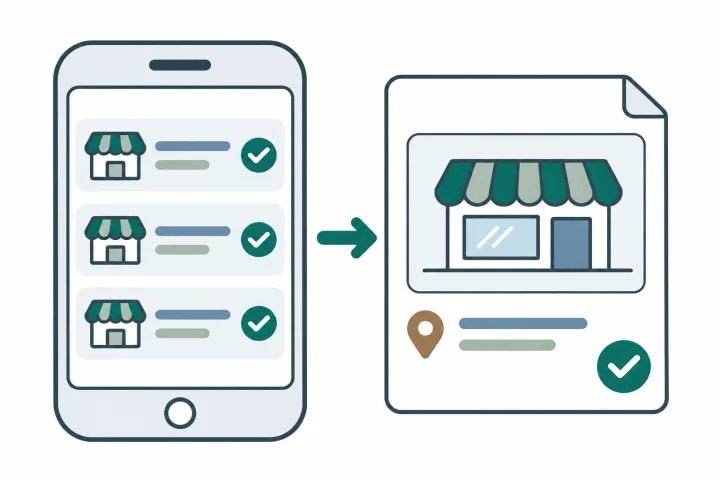
Save photos and notes with the customer visit. Open it to see what happened and what to do next.
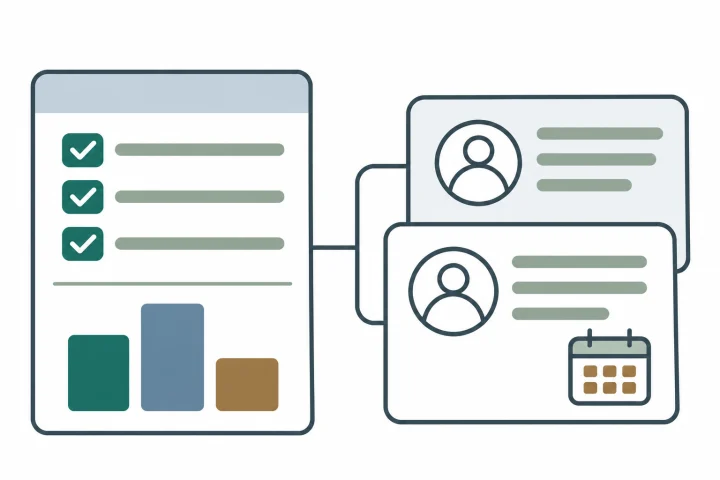
Get daily sales reports from the work saved in the app. Check visits and pending tasks to plan the next day.
Ask which plan includes the visit planning, reports and customer records your team needs.
Pay for each user, or pay one monthly price for unlimited users.
Start with the per-user plan.
Choose the unlimited-user plan.
For teams that need attendance and basic tracking.
Live maps and route replay are not included. Choose a higher plan for these features.
Start Free TrialFor teams that need live maps at one price for unlimited users.
Salary processing costs extra.
Request a DemoThese are monthly rates. Before you buy, check when payments are due, taxes, usage limits and any extra charges.
Ask which customer, task and staff features your plan includes. We’ll explain any demo or setup charges before you book.
Simple answers about using TeamSpoor with your team.
TeamSpoor keeps location updates, customer visits and attendance in one place. You can check the details without searching through different chats. Keep using calls and WhatsApp to talk to your team.
Employees install the TeamSpoor app and allow it to use their location. They use the app to mark attendance and record visits and tasks. Managers set working hours and explain when and why location is tracked. Try the app on your team’s phones before you start.
Some work details can be saved in the app without internet. They are sent when the connection returns. Until then, you see the last location received. Try the features you need on your team’s phones during the trial.
Yes. Set working hours and explain the tracking rules to your team before you start. Location tracking also depends on the phone’s location access and battery settings.
The ₹149 per user per month plan includes attendance and basic work tracking. The ₹3,600 per month plan allows unlimited users and includes live maps and past routes. Payroll, which helps you process salaries and create payslips, costs extra. Check payment terms, taxes, usage limits and included features before you buy.
Yes. Select Start free trial to create an account, or request a demo to see how it works. We’ll check what your team needs and explain any demo or setup charges before you book.
Start your free trial to track locations, visits and attendance. Want a guided introduction? Request a demo.